
Unforgettable Car Trend: A Clear Photo-to-Video Guide
Start the Unforgettable Car Trend with two simple decisions: who is in the scene, and whether a particular car should guide its appearance. Your lead portrait is required; the vehicle image is optional. The supplied garage motion sets the action, while a short style note can shape the light and atmosphere.
Create your car-side clip
Preview the fixed car-side motion
History
Loading history…

Choose clarity before dramatic lighting
The daylight concepts use a teal jacket, silver coupe and quiet concrete setting. This gives you a way to evaluate the person and car without relying on heavy effects. Before writing a detailed prompt, check whether the lead face is clear and the vehicle image shows enough of its shape. When those inputs are easy to read, it is also easier to explain what needs improvement in a later version.
Create your Unforgettable Car Trend clip
- Watch the garage reference and confirm that this is the action you want.
- Choose one clear portrait for the lead role.
- Optionally upload a distinct car photograph to guide vehicle appearance.
- Add a short visual direction, review the quote and keep the configured fifteen-second output.
- Submit, follow History and review both the overall motion and small details.
Choose the lead photo
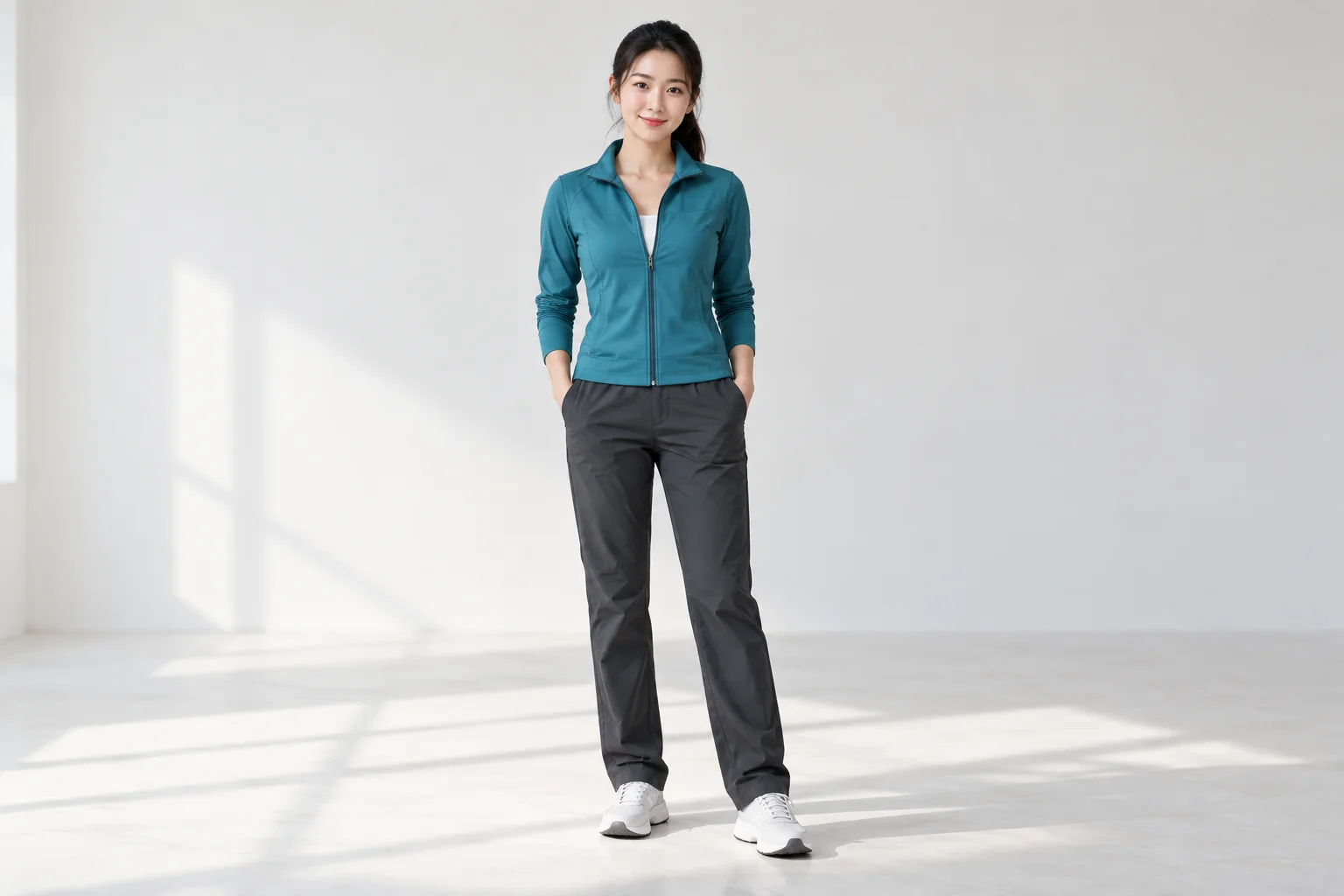
Select a recent, sharp photograph with one person and unobstructed facial features. Avoid a strongly tilted crop or a face hidden by hair and accessories. Keep enough of the upper body to establish posture and clothing. The photograph is an appearance reference, so it does not need to show the garage or the hand gesture already. Put it in the lead slot and check its preview before continuing.
Decide whether to add a vehicle reference
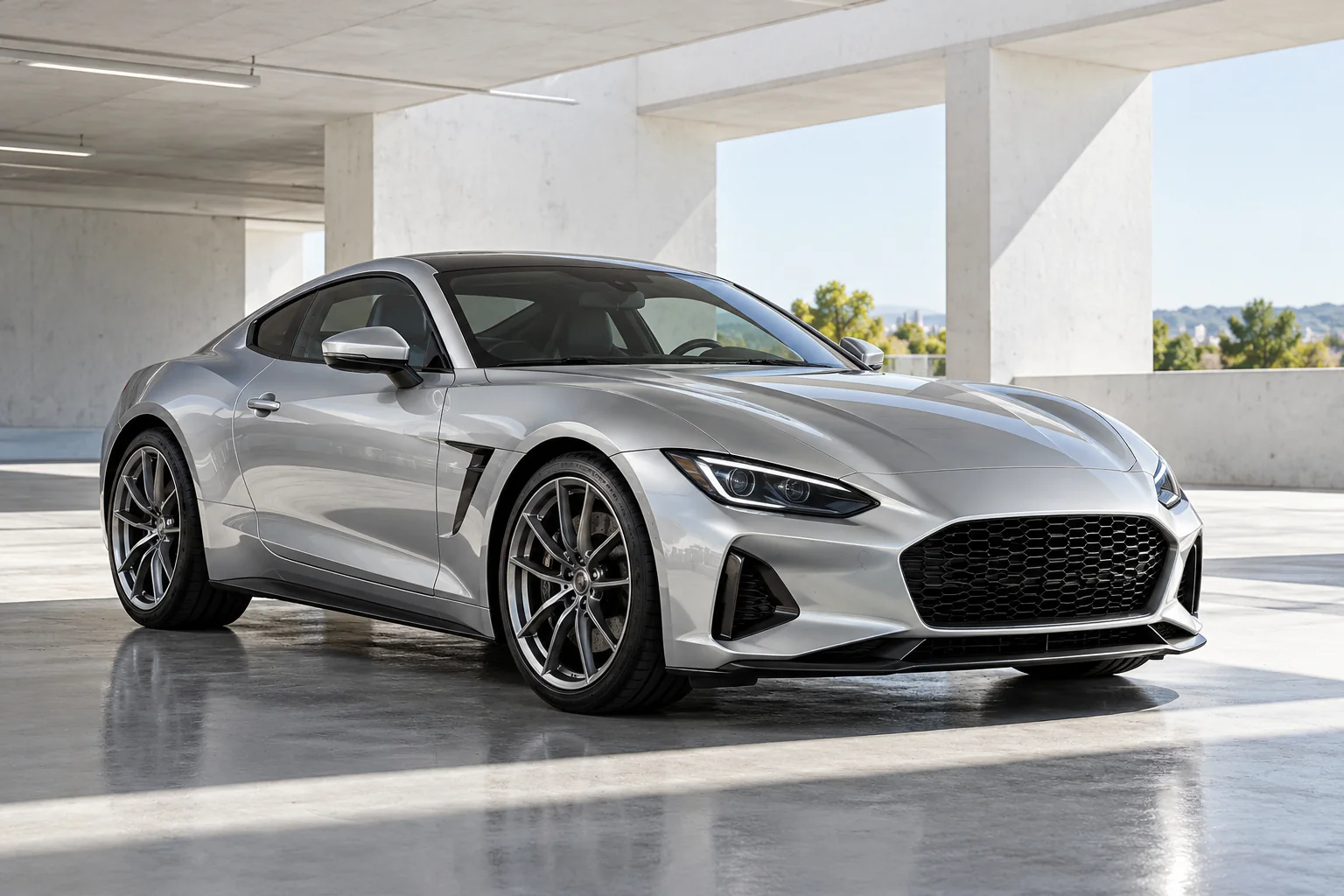
If you add a car image, use a separate photo with a useful three-quarter view. A full body, visible wheels and a readable roofline provide more context than a tight detail. Reflections should not completely obscure the paint or windows. This image guides the vehicle role; it does not replace the fixed action or become a second person. Leave it empty when you prefer a simpler first attempt.
Keep the visual direction focused
A practical first note is bright natural garage light, restrained colors and an unobstructed view of the lead. Keep it compatible with the reference motion. Requests for several scenes, a fast road sequence or a completely different performance can compete with the supplied action. After reviewing one clip, make a focused change to the portrait or the style note so you can compare the result sensibly.
Review the whole scene before sharing
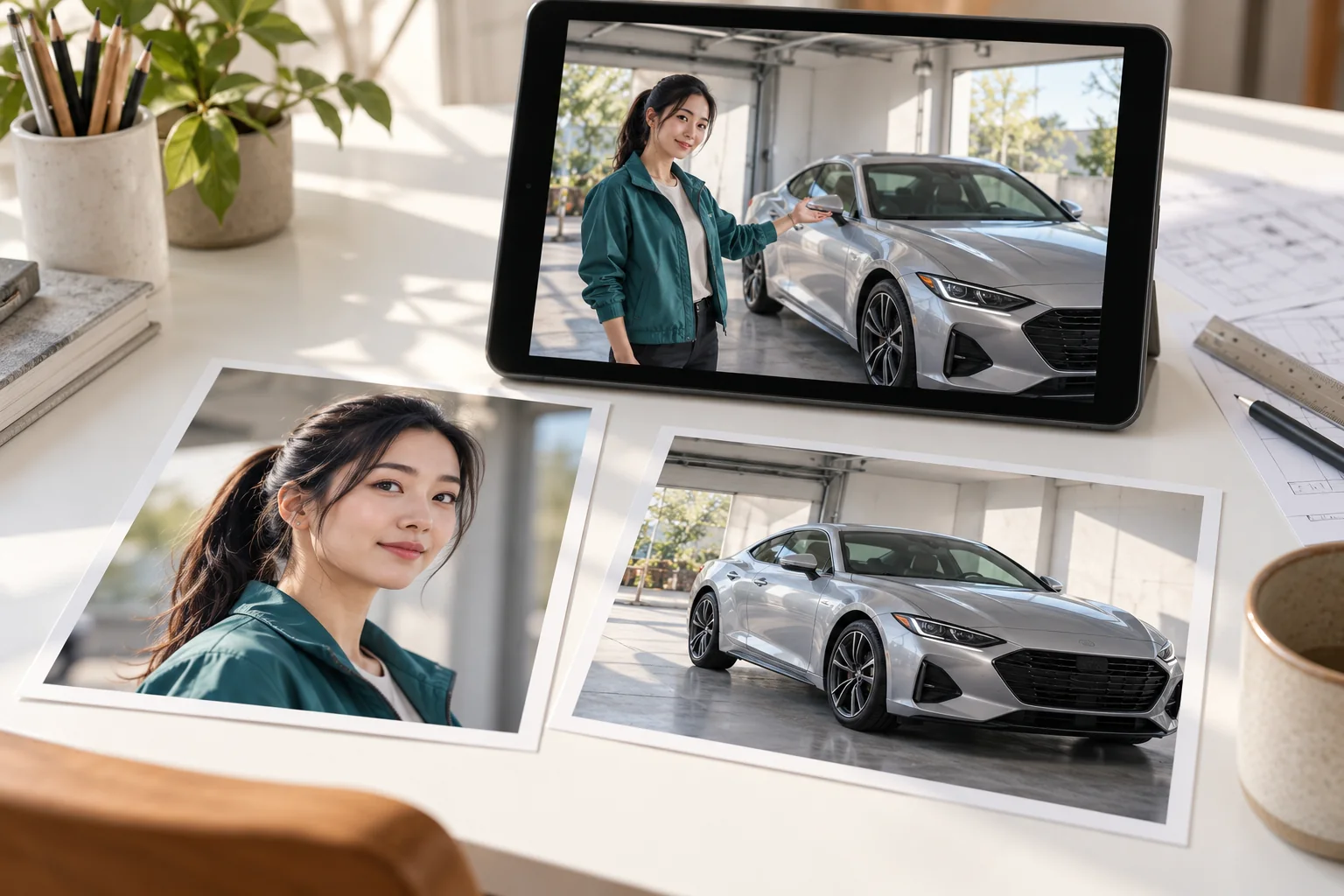
Check the output in passes. First watch for an understandable gesture and a stable composition. Next inspect the face and hands around movement. Finally look at wheel shape, window edges and reflections as the view changes. If you plan a vertical post, preview that crop before choosing a cover so the car and performer still have enough space. Keep the full clip available until the final edit is settled.
Continue your project
Questions about the car trend
Does my portrait need to include a car?
No. The lead image supplies the person. You may provide the car separately in its optional reference slot.
Can the same file fill both roles?
Use distinct images for the two roles. A duplicated portrait does not provide a useful vehicle reference.
What happens without a vehicle upload?
The workflow still uses the fixed car-side motion and your lead image. A second image is only needed when you want to guide the car's appearance.
Is the motion customizable here?
This page uses its supplied reference video. Optional text refines the look; it is not a replacement-video control.
Is the car meant to be moving?
The reference centers on a person beside a parked vehicle in a garage. Do not treat it as a driving-video workflow.
Why are the reference and output lengths different?
The technical action reference is 14.04 seconds, while the page requests a fifteen-second result. The source clip is guidance rather than the finished output.
How do I know the price?
Use the current quote shown by the generator. Account access, settings and available offers determine what you can submit.
Can I rely on exact badges or plates?
Inspect fine details yourself. Generated lettering, trim and reflections may differ from a reference photograph.