Choose a clear image
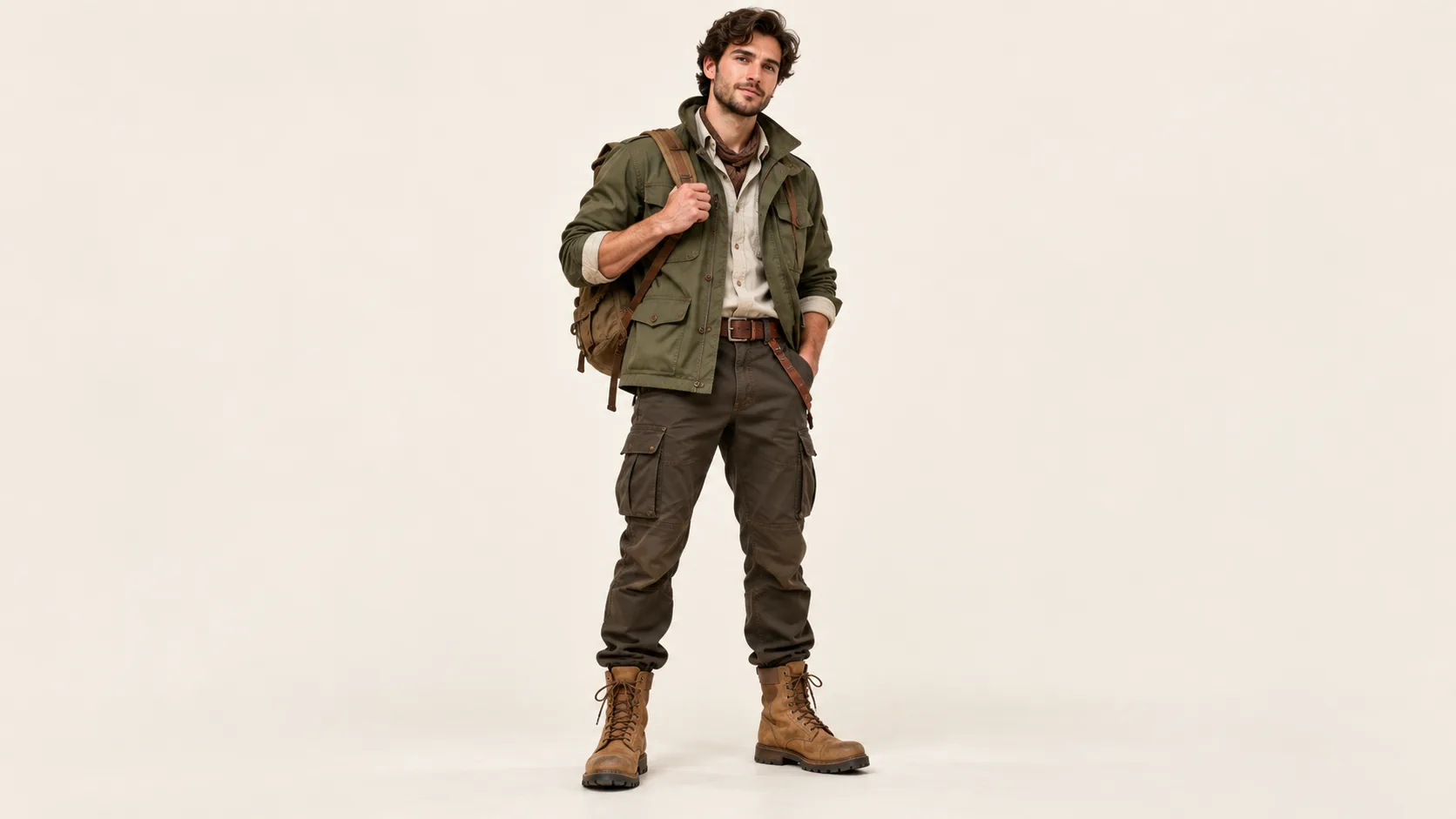
Use one person or original character, ideally with visible clothes and an unobstructed face. A full-body reference makes the outfit easier to carry into the new design.

From a clear photo to a character idea
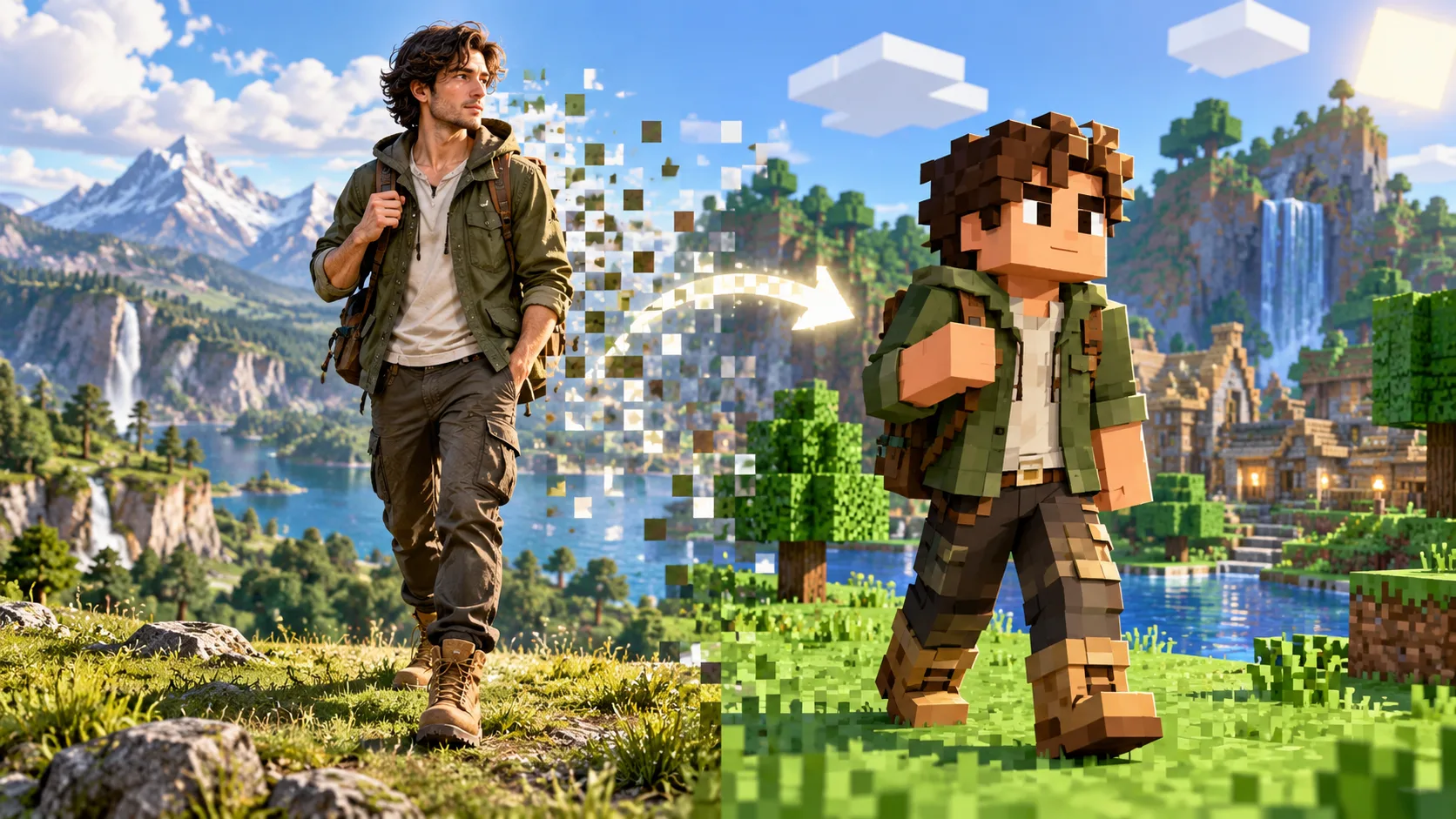
Upload one clear portrait or full-body character reference to explore a blocky skin concept. Aijev uses the image as visual guidance for clothing colors, face cues and silhouette. Review the generated picture as a character design preview before choosing your next direction.
Start creatingUse one person or original character, ideally with visible clothes and an unobstructed face. A full-body reference makes the outfit easier to carry into the new design.
Tell the generator which outfit colors, hairstyle or accessory matter. Keep the request focused on one subject so the silhouette remains readable.
Inspect face, jacket, trousers and shoes at full size. Adjust your description and create another variation if the key visual cues are missing.
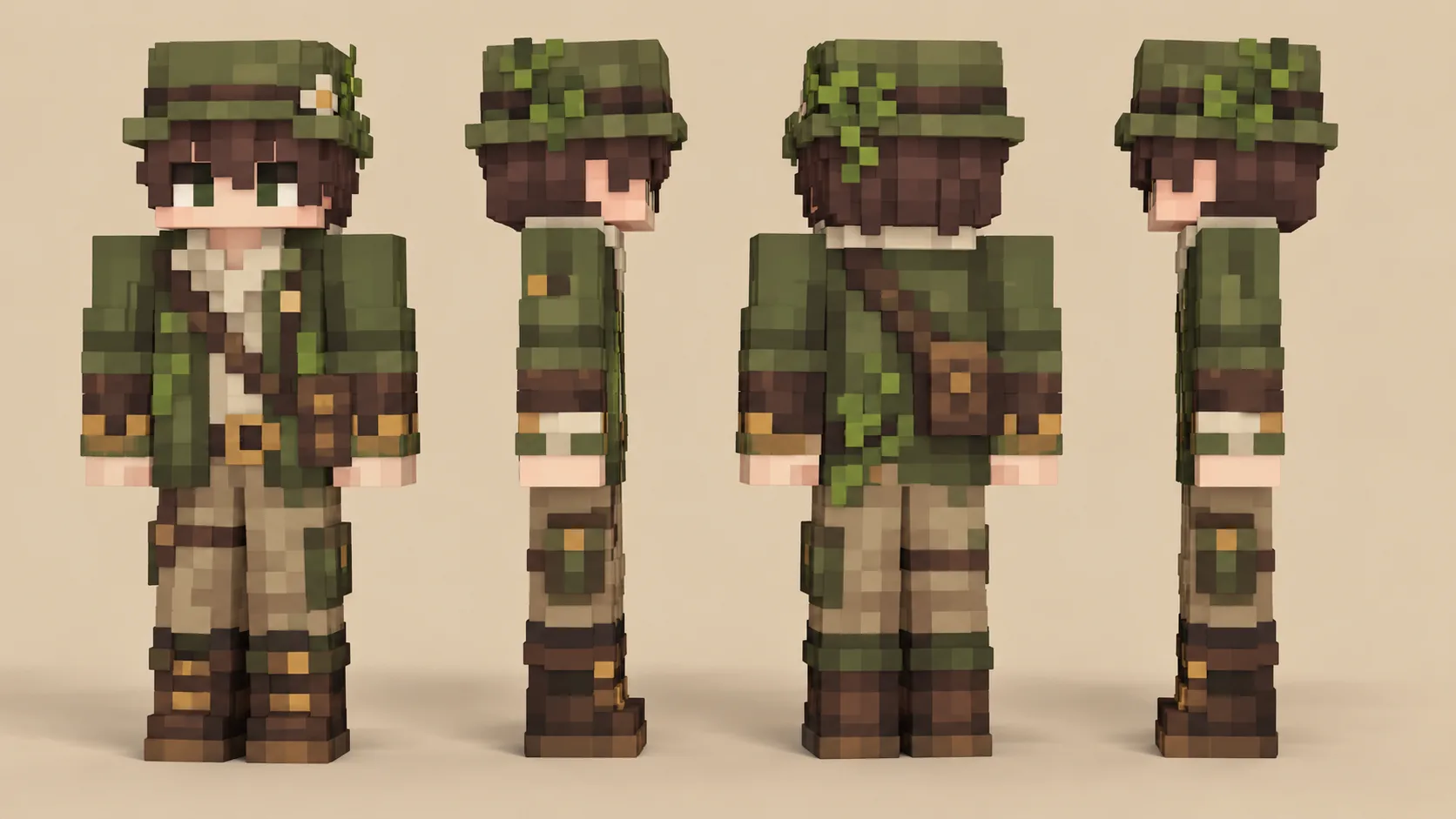
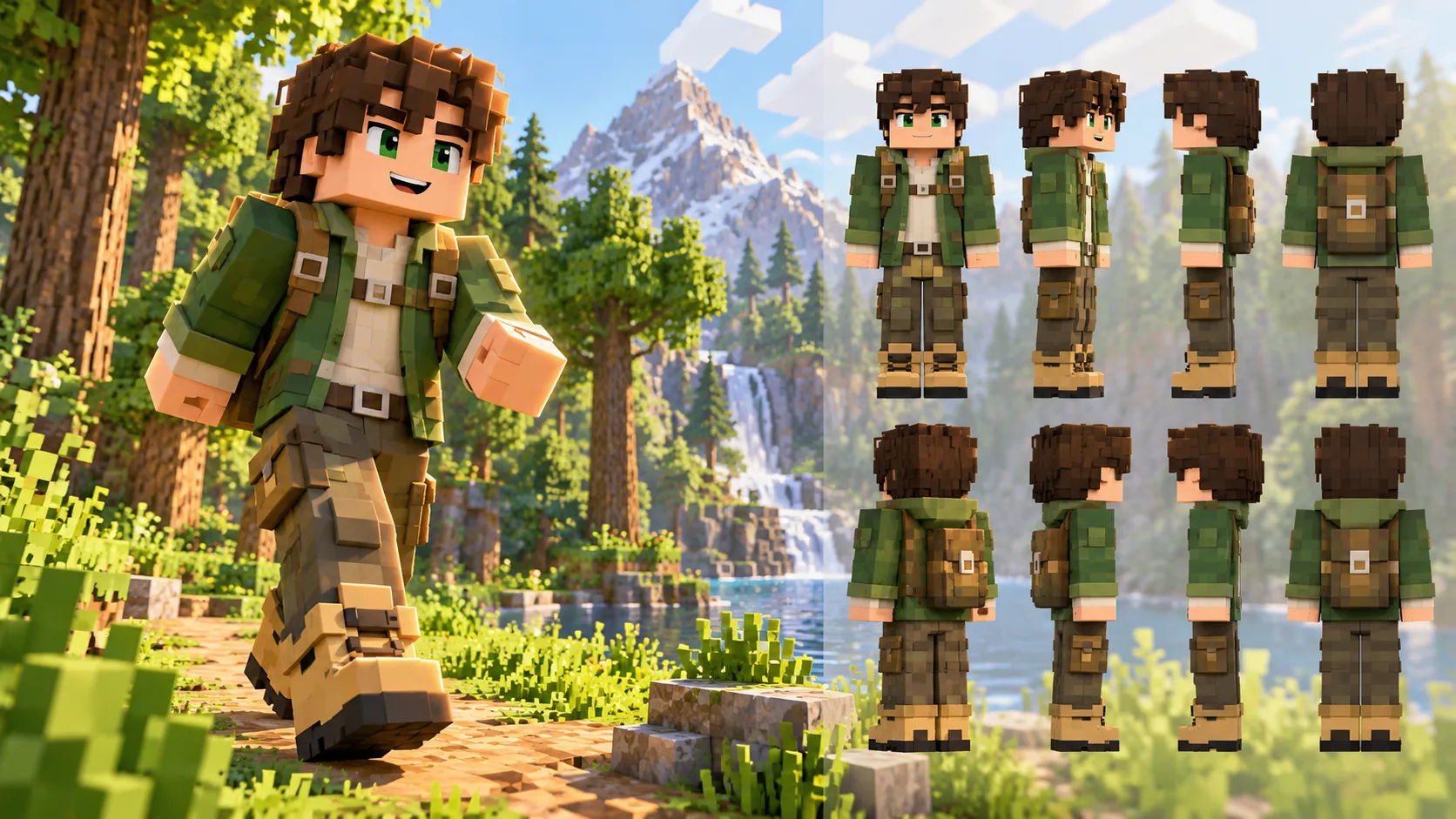
After exploring the character, create a matching blocky environment with the Minecraft Pixel Art generator.
This page creates a character concept image. It does not promise a game-importable PNG texture or a skin file with the required layout.
For Image to Image, upload one clear portrait or character image. Text to Image uses your written description without a reference upload.
You can try a single clear subject and describe the character interpretation you want. Review how well the result preserves the source colors and distinguishing features.
Check the live credit quote and your account balance before submitting. A paid job starts only after you confirm generation.
The selected model and queue determine the wait. Follow the task status in History rather than relying on a fixed delivery time.
aijev.me · Updated