Pick a subject
Choose one landscape, building or object. A scene with a clear focal point and distinct depth works better than a crowded reference.

Build a scene from shapes and color
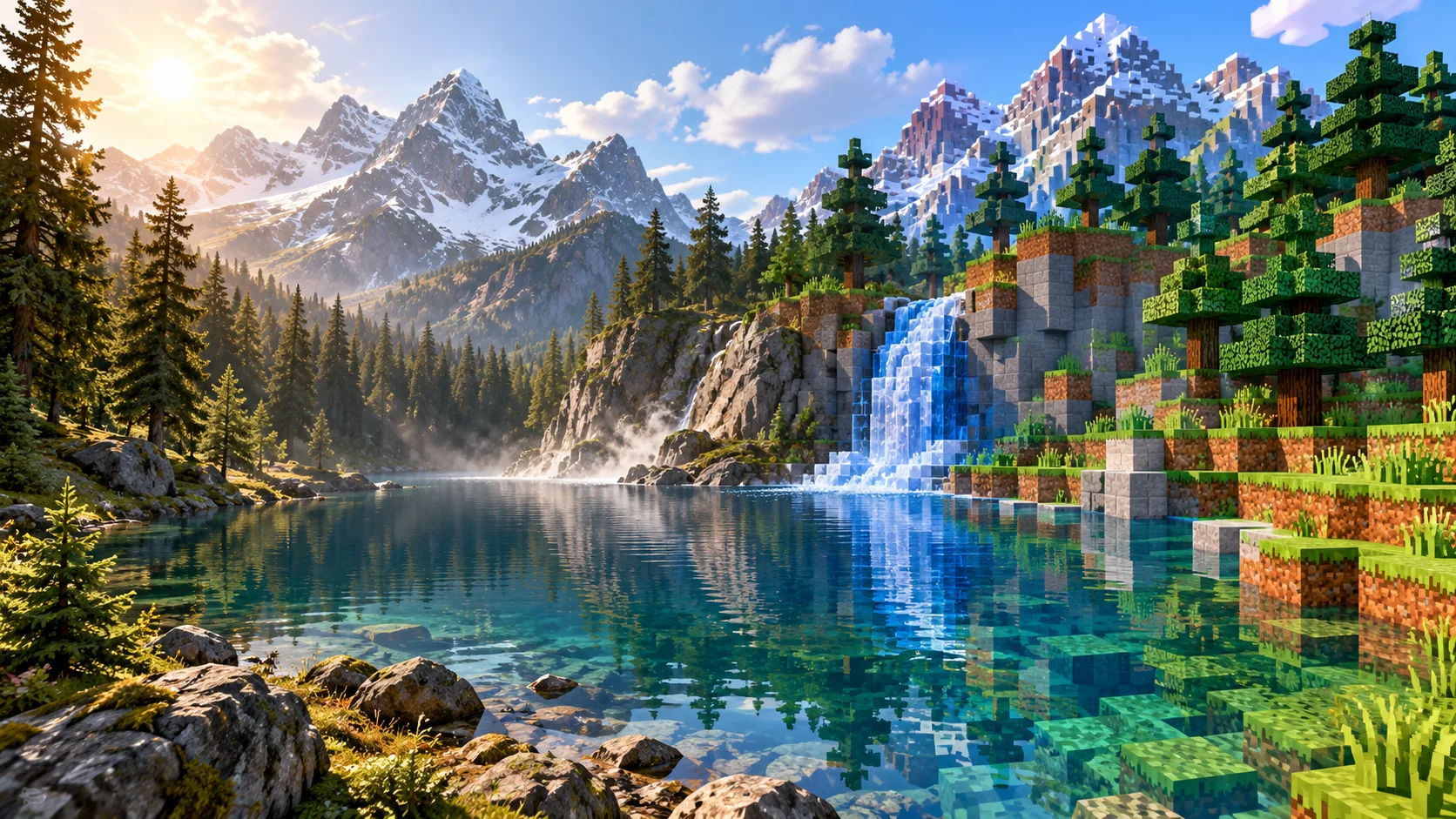
Start with a landscape image or describe a scene in words. Aijev can explore Minecraft-inspired pixel art for a cabin, bridge or mountain view. Guide the main shapes and colors, then inspect the picture as a visual scene concept.
Start creatingChoose one landscape, building or object. A scene with a clear focal point and distinct depth works better than a crowded reference.
Describe large shapes, color groups and the mood. Select Text to Image for a new idea or Image to Image to reinterpret a reference.
Check whether the main subject reads at thumbnail size. Refine the focal point and palette if small details obscure the larger forms.
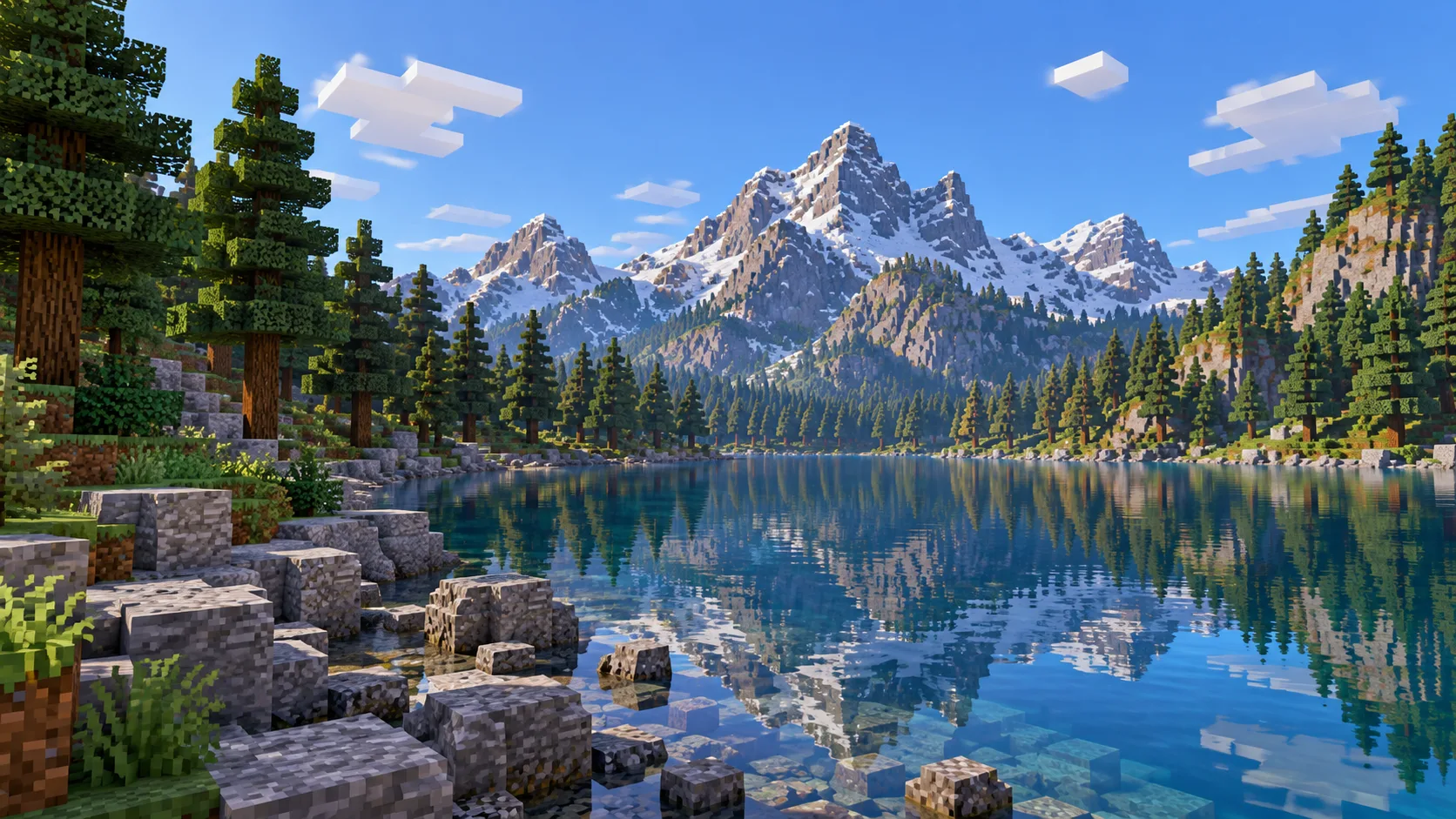
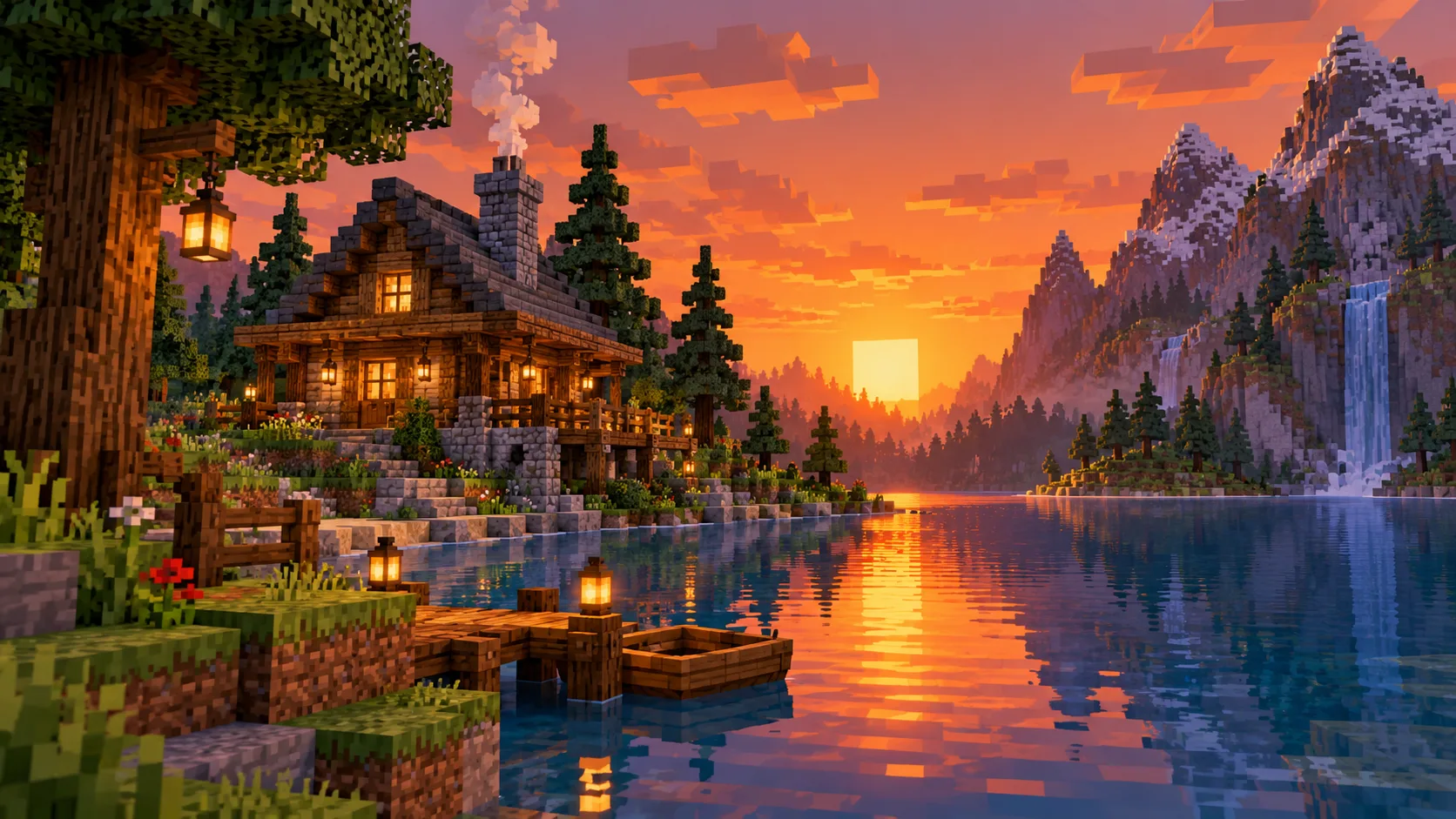
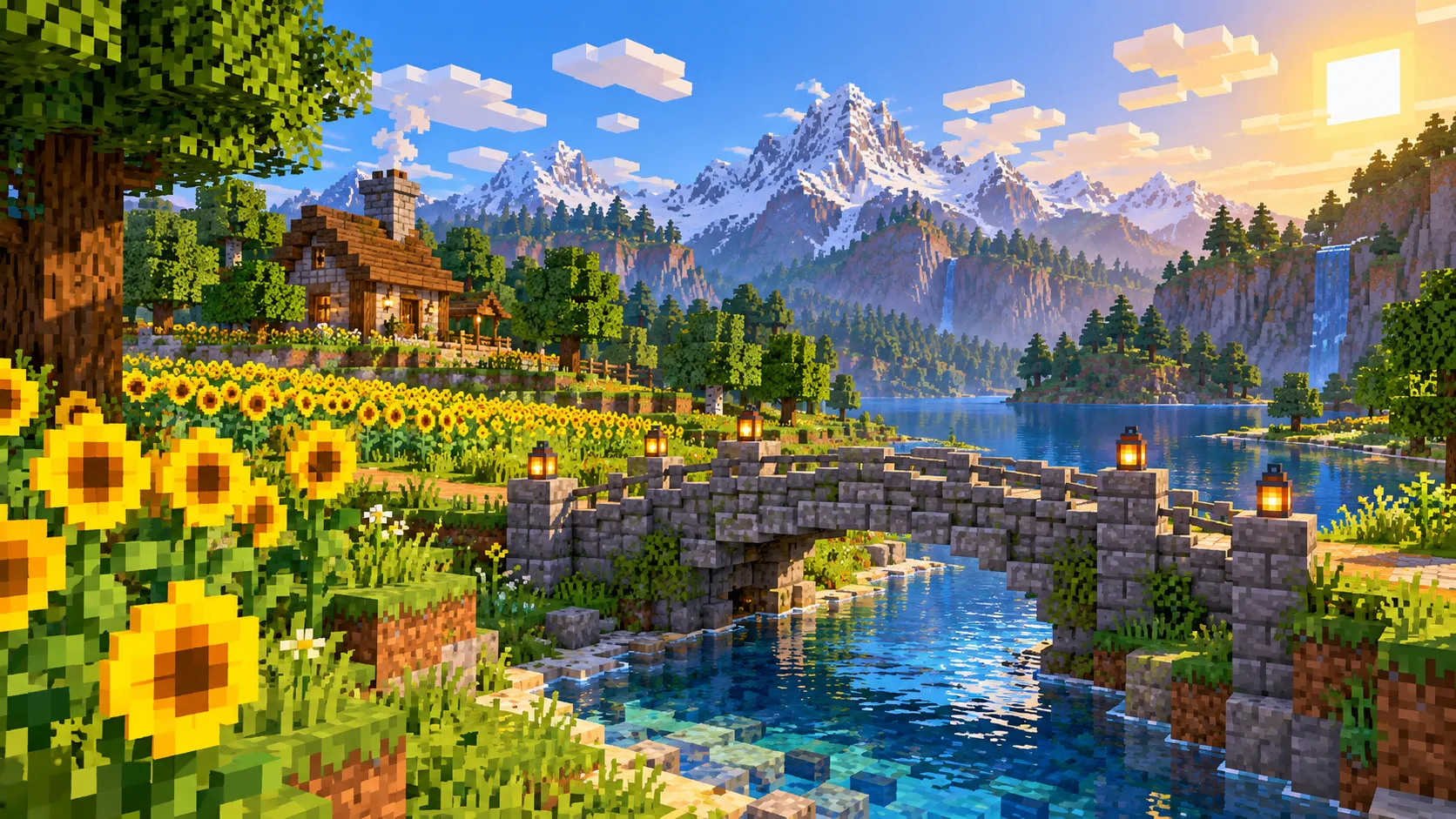
A blocky world can gain a focal character. Use Image to Minecraft Skin to turn a portrait into a matching character concept.
No. Text to Image starts from your description. Choose Image to Image when you want the uploaded scene to guide the composition.
The output is an image concept. It does not include a block list, construction instructions or an importable game world.
Use a clear subject, a simple horizon and distinct foreground and background shapes. Describe the parts that must remain recognizable.
Check the live credit quote and your account balance before submitting. A paid job starts only after you confirm generation.
The selected model and queue determine the wait. Follow the task status in History rather than relying on a fixed delivery time.
aijev.me · Updated