What will I create?
An adult female fantasy-academy portrait you can use to explore a character, costume or scene. Start with the expression and silhouette, then develop the wardrobe.

A wardrobe, material and scene variations studio
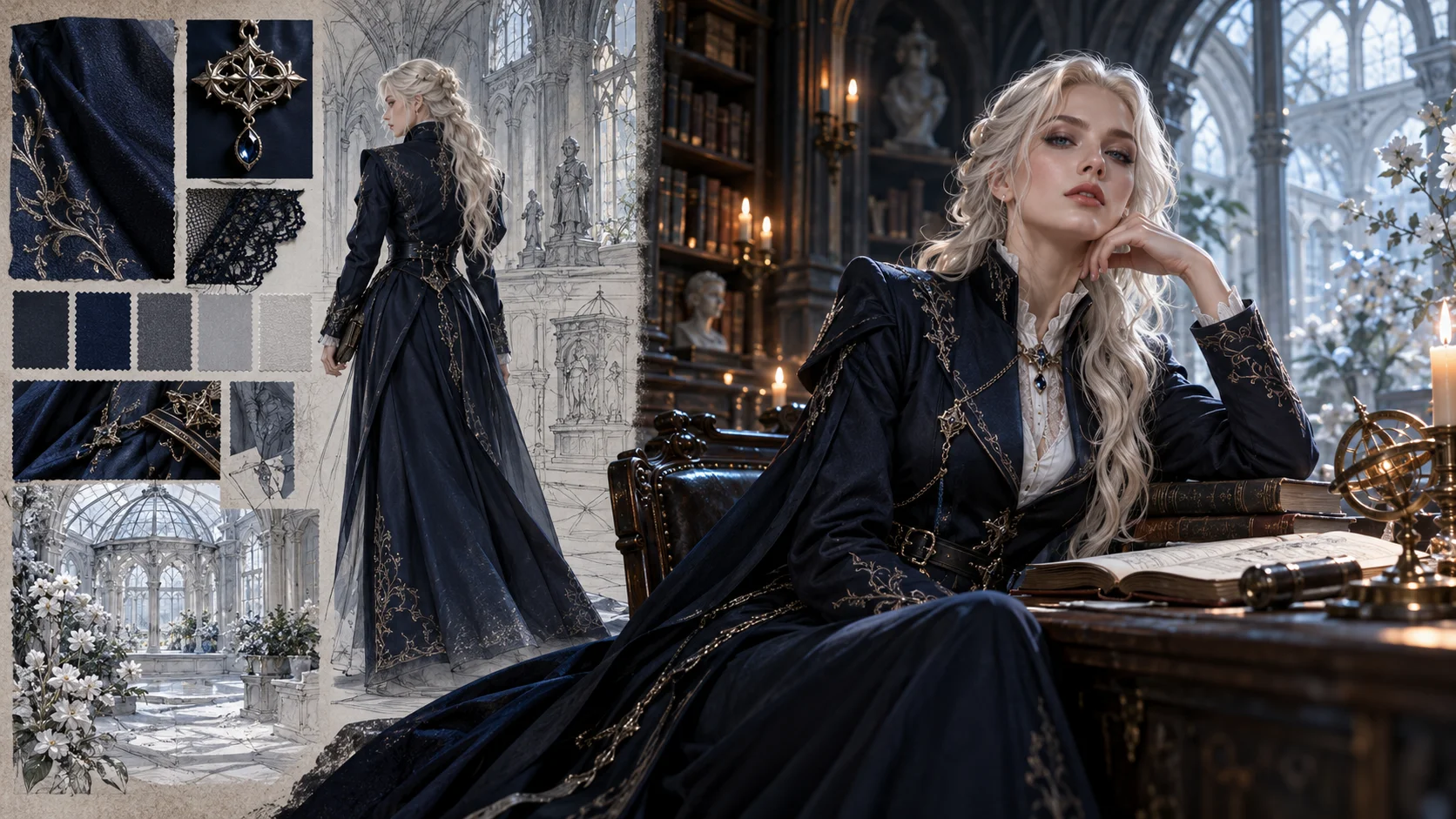
An adult female fantasy-academy portrait you can use to explore a character, costume or scene. Start with the expression and silhouette, then develop the wardrobe.
Image to Image uses an uploaded portrait for visual direction. Text to Image creates from your written description and does not include reference-photo input.
Choose one clear adult portrait with visible eyes, hair and shoulders. A neutral pose makes it easier to compare the robe, collar and lighting choices.
Look at your signed-in credit balance and any current offer. Preparing a character description does not submit a job; generation requires enough credits for the displayed quote.
Check the live credit quote after selecting the model and image options. Each new character variation is a separate submission with its own current quote.
The selected model, image options and queue determine the wait. Follow the task in History and compare the completed portrait with your character brief.
The Female Malfoy AI Generator on aijev.me helps you design an original adult fantasy portrait with platinum hair, tailored dark clothing and a gothic setting. Build the look through concrete choices of robe, fabric, expression and light. Use a photo in Image to Image or describe a new character in Text to Image.
Create a fantasy portrait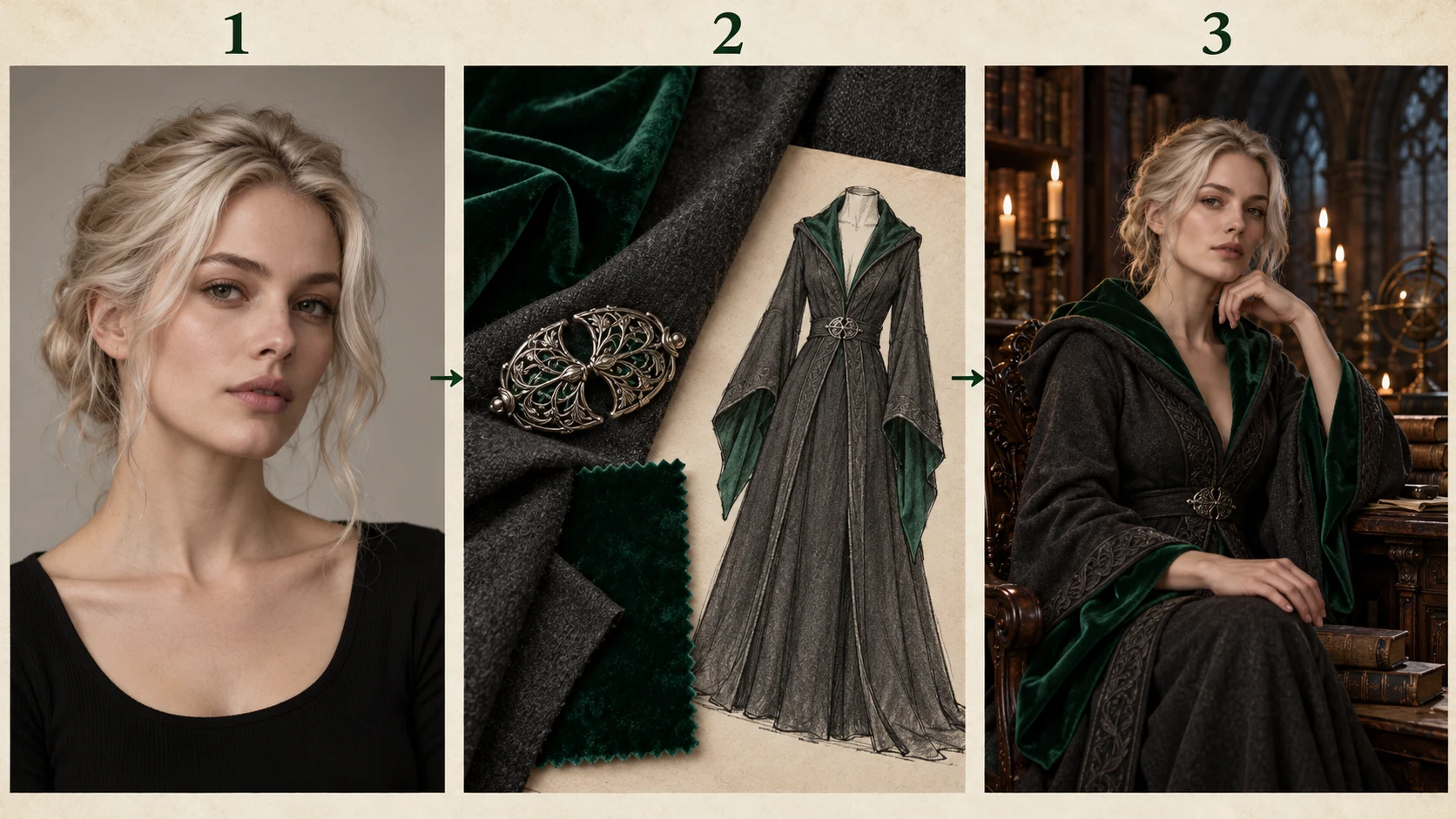
Choose Image to Image for a portrait reference, or Text to Image to create a character from words. Describe the adult subject, hair, expression and camera angle before adding the setting.
Name the collar, robe cut and one dominant fabric. Add trim or a clasp only where it contributes to the character. Keep those choices separate from your face and pose instructions.
Set a single main light source, such as a tall window or nearby candles. Select the available model and image settings, read the live credit quote and submit when the brief is ready.
Open History and inspect the face, hair edge, garment fastenings and hands. For the next pass, keep the character description stable and change the fabric, room or light as one deliberate variation.
For Image to Image, use an adult portrait you have permission to upload. Even light and an unobstructed face give a clearer reference than heavy makeup filters, deep shadow or a crowded group photo. Leave enough of the shoulders to show where the robe should sit.
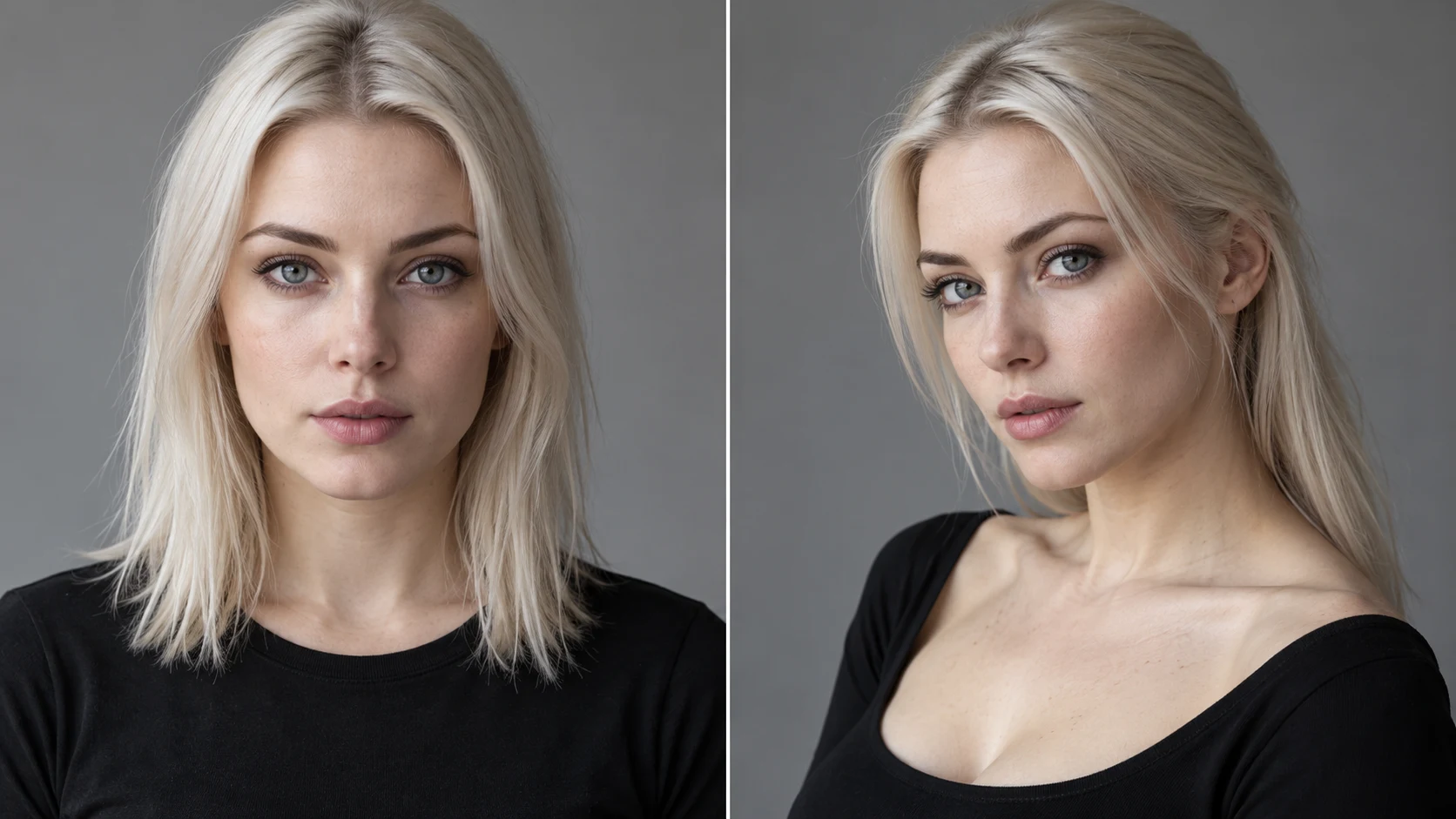
The reference does not need a fantasy costume. Describe the wardrobe in the prompt. In Text to Image, write those same face, pose and clothing decisions directly; no reference upload is needed.
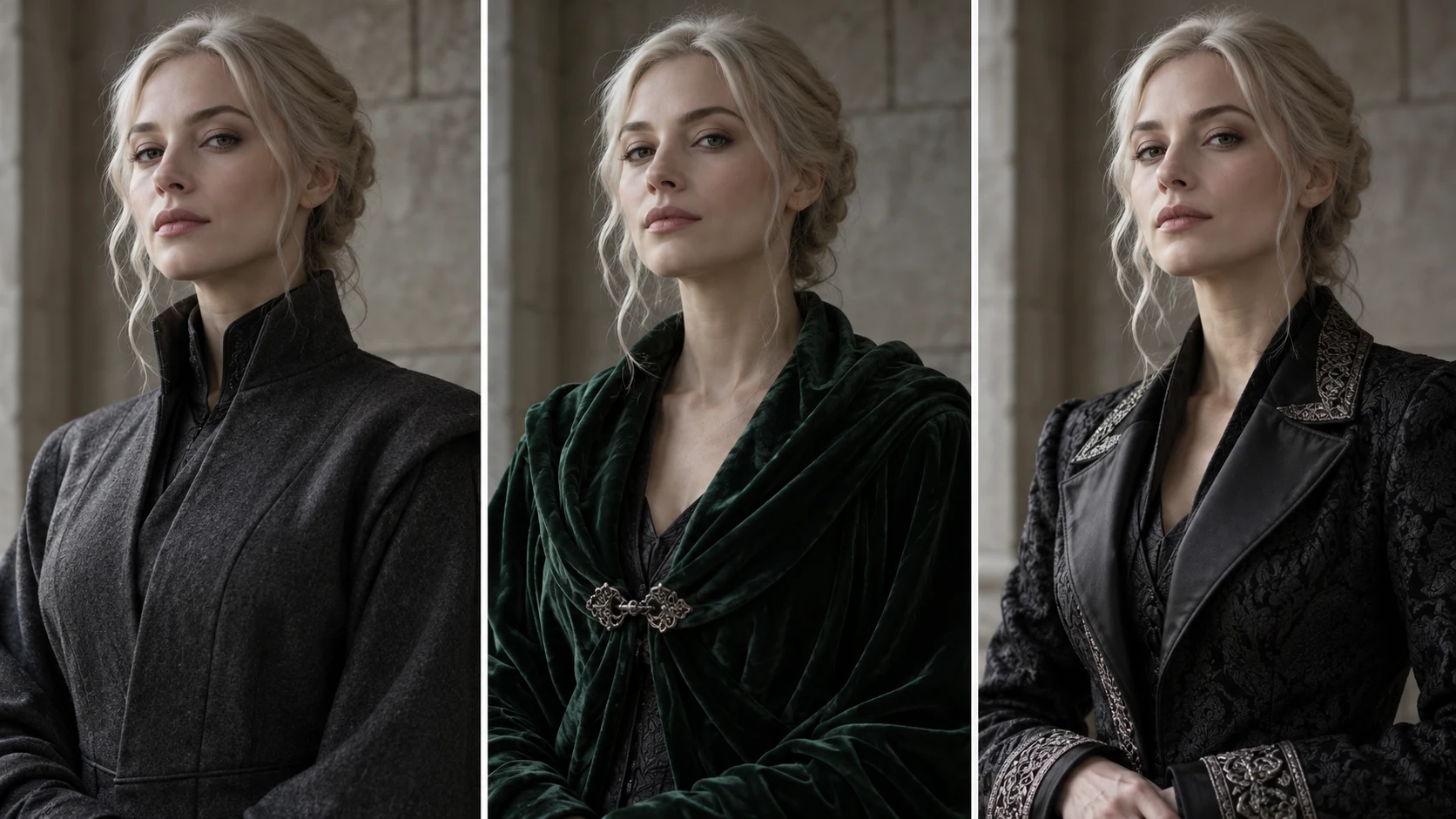
Use a high collar, clean shoulder line and matte charcoal fabric. This puts the emphasis on posture and expression rather than bright surface detail.
Describe deep green velvet, a draped collar and a small metal clasp. Ask for side light that reveals the folds while keeping the face brighter than the robe.
Name where the pattern belongs, such as cuffs or lapels. Keep the remainder quiet so trim and texture support the character instead of filling every surface.
Create an original adult platinum-haired woman with a composed expression and a three-quarter pose. Dress her in a structured charcoal wool robe with a high collar and restrained silver cuffs. Place her beside a tall window in a quiet gothic library. Use cool side light and keep the eyes clear.
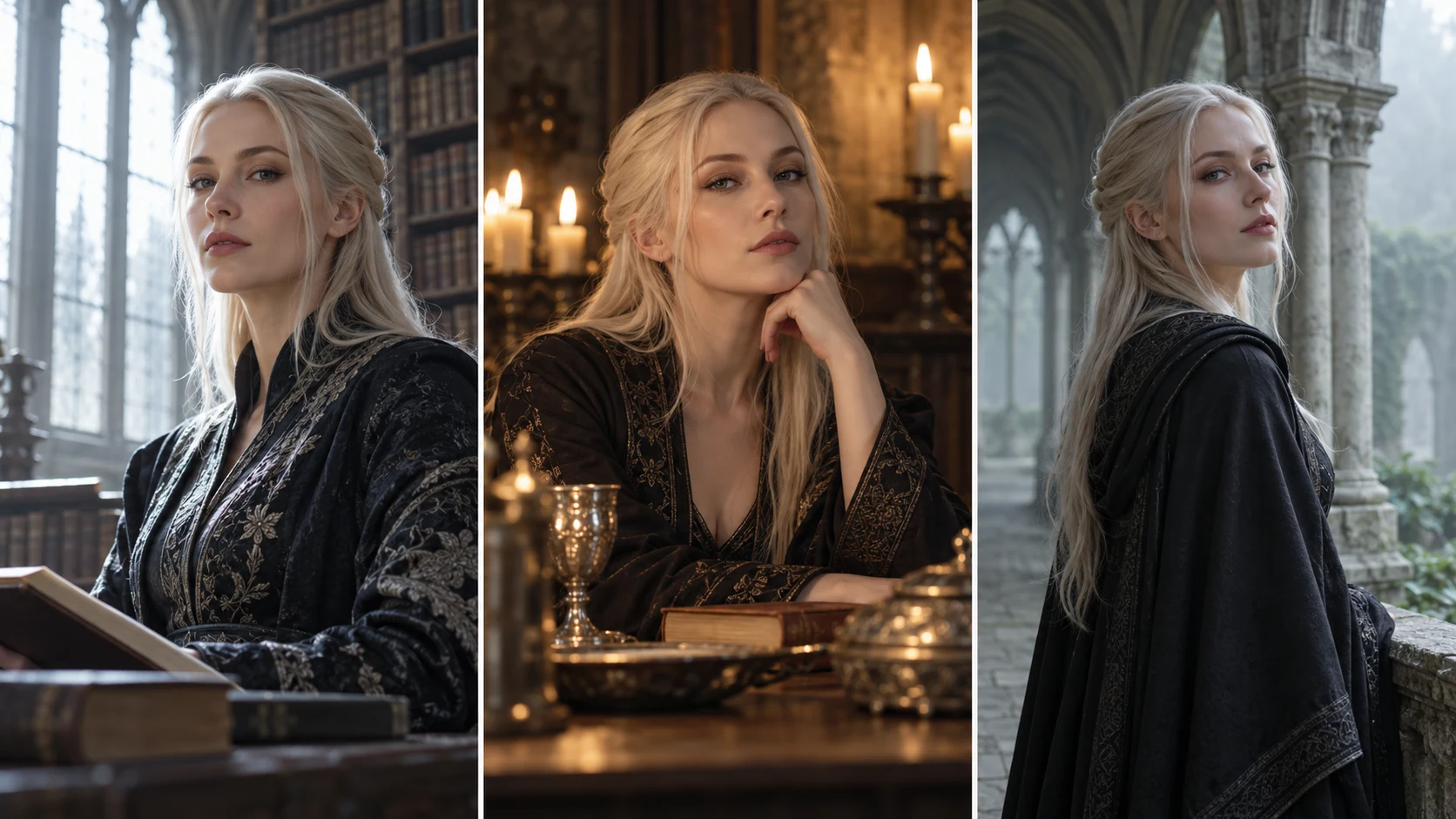
A tall library window creates a reserved, scholarly mood. A candlelit study brings attention to fabric sheen and small metal details. A misty cloister makes the robe silhouette and platinum hair stand apart from a softer background.
For a story character sheet, keep the adult face, hair and main costume wording fixed across the series. For a costume board, hold the room and camera angle steady while changing the garment. Compare the saved portraits in History to choose a consistent direction.
Review the completed image at full size. Check whether the expression matches the brief, whether the collar and fastenings connect naturally, and whether the light source makes sense. If one part is weak, adjust that instruction while retaining the choices that already work.
Generation time changes with the model, image settings and queue. Use History to follow a submitted task. Repeated submissions create additional jobs, so wait for the current portrait before deciding whether another quoted attempt is useful.
Common directions include platinum hair, a composed aristocratic expression, tailored dark clothing and gothic surroundings. Use those visual choices to build your own original adult character.
Yes. Write the adult character, pose, wardrobe and scene in the prompt. Use Image to Image when you want a photo to provide visual direction.
Keep the character and setting description, then change the robe cut or fabric phrase. Compare the finished variation with the previous job in History.
Describe an original adult character and assess the result against your own brief. The workflow does not promise a specific actor likeness or provide an official franchise product.
Check the usable credit balance and any current offer in your account. The live quote shows the credits needed for the chosen model and options before you submit.
Follow the submitted task in History. The wait depends on model choice, image settings and queue load; inspect the completed portrait before downloading it.
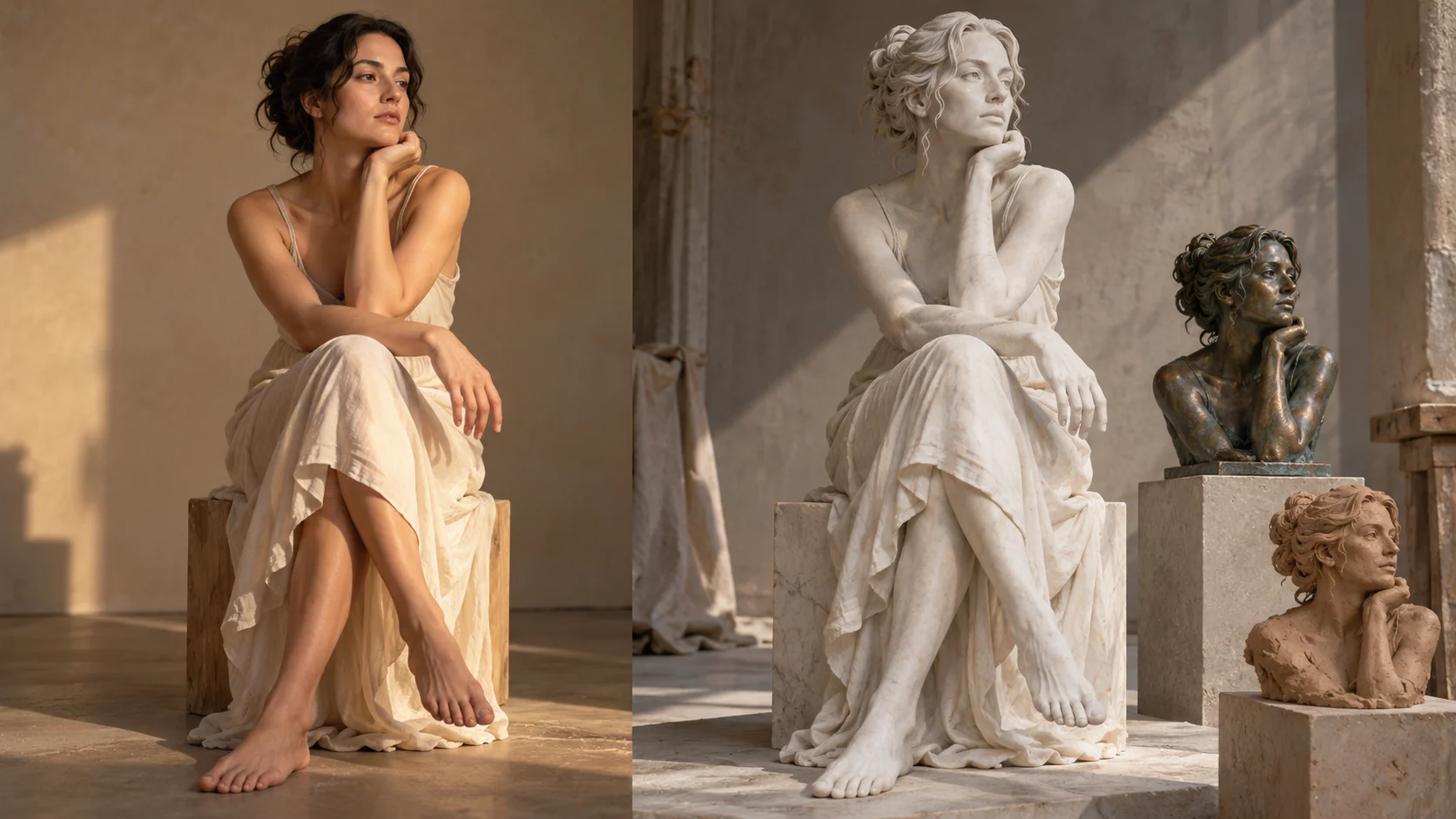
Explore a marble or bronze direction while keeping a strong portrait silhouette.
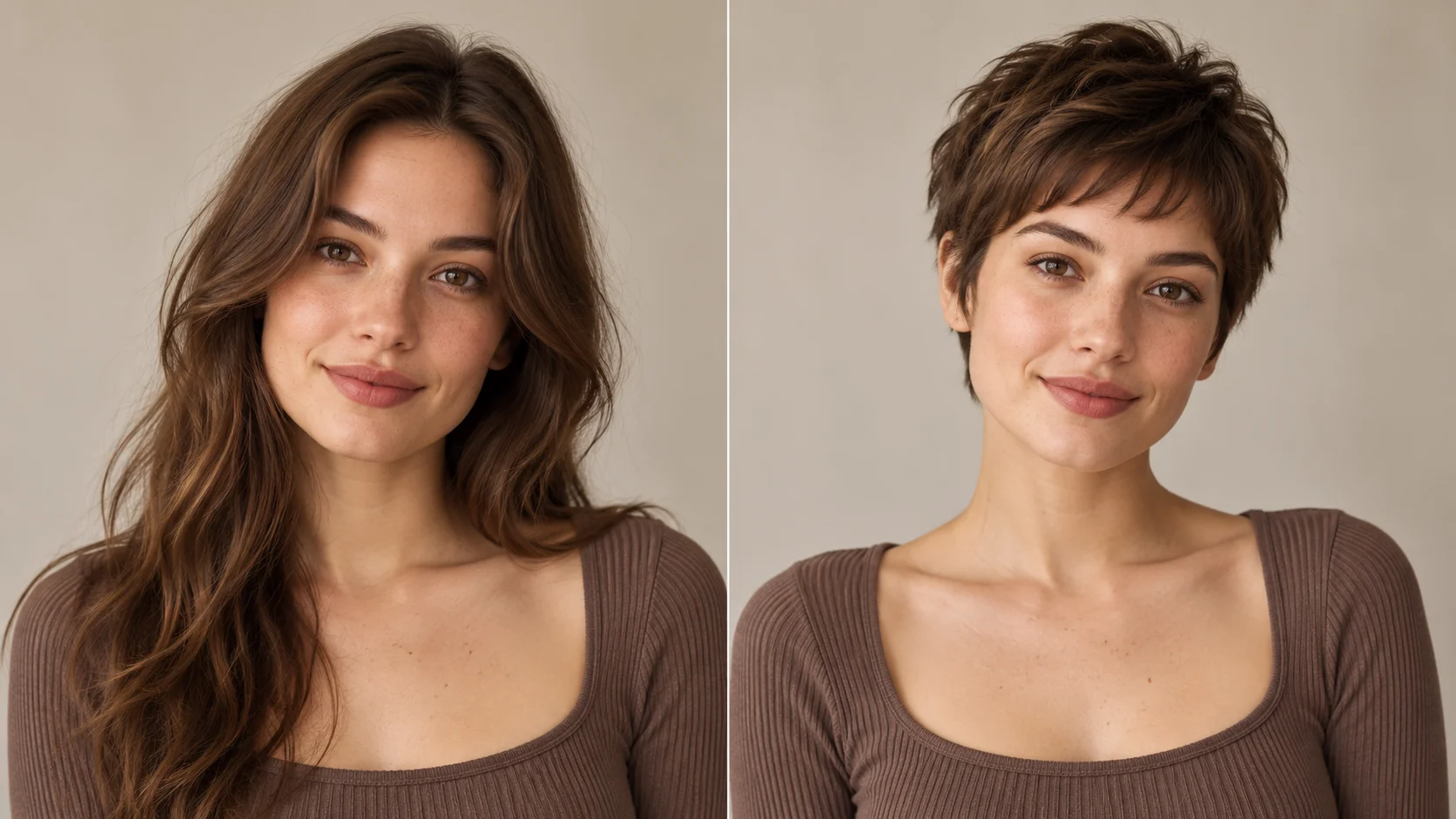
Compare a different hair outline before finalizing your fantasy character.
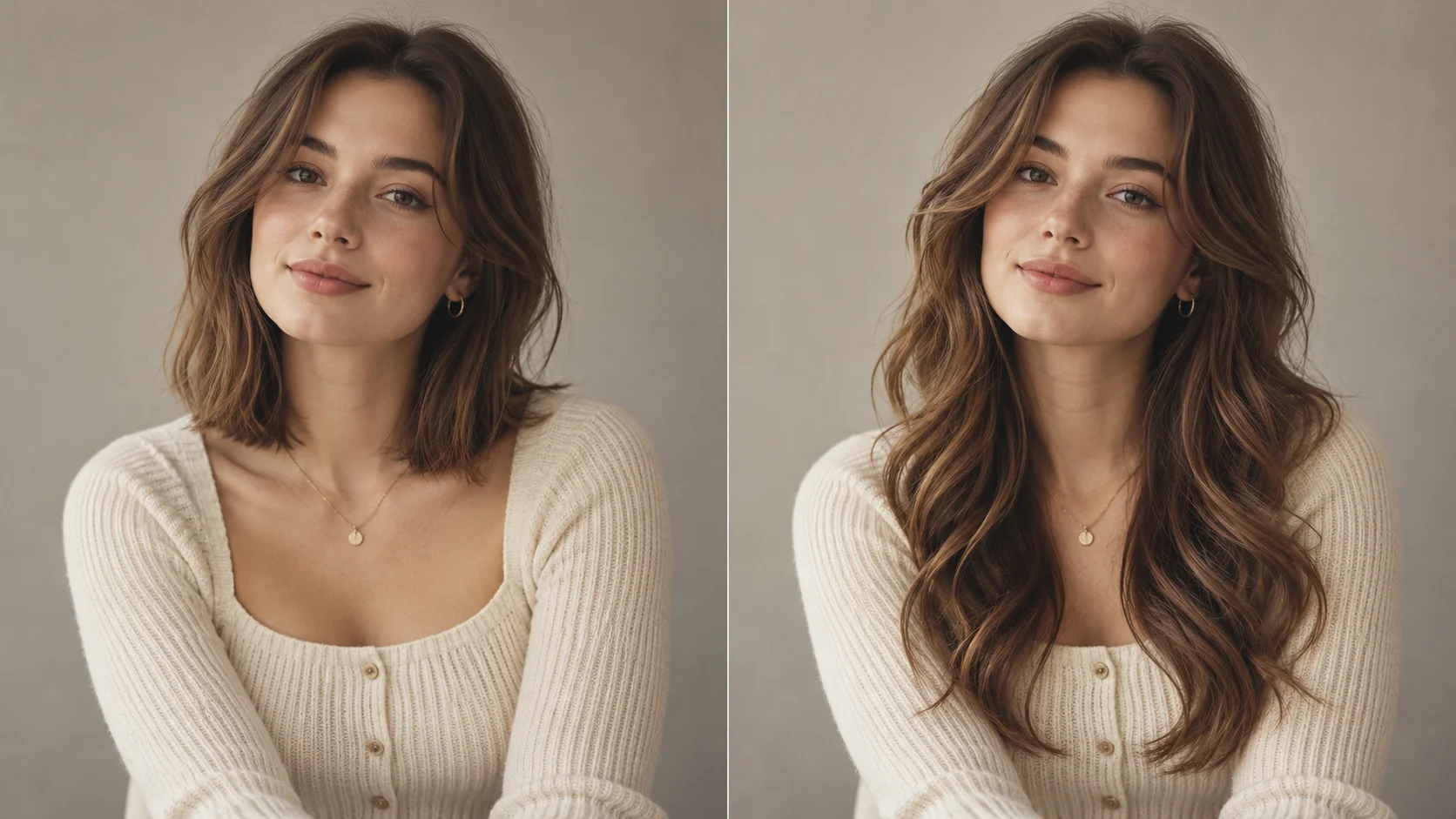
Build a softer portrait direction with more length and movement around the shoulders.
aijev.me · Updated