A bright character introduction
Use a simple color contrast to make the person stand out in a short scene.

AIJEV MOTION GUIDE
Loading history…
Dime Dime Baby AI starts with one person photo and a short party-scene idea. The requested sequence combines a gentle dance, a sweet-bun bite, a serious look toward the camera and a turn away. Choose the person, describe the atmosphere and review the quote; the demonstration is a viewing reference rather than a video input.
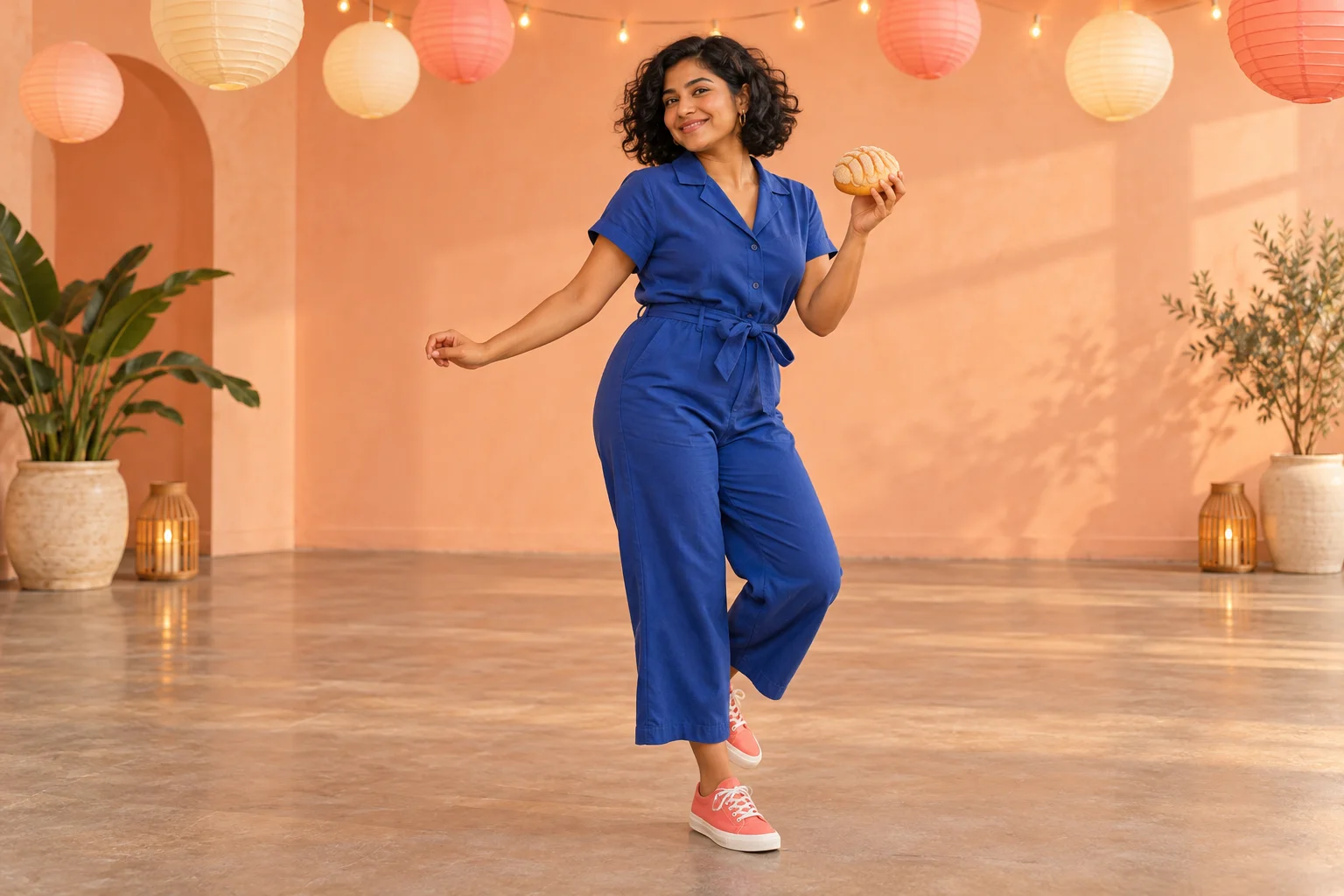
A short party clip works best when the change is easy to follow. Begin with relaxed movement, give the hands one simple prop, and allow the face to become still. The pause creates a contrast with the dance without needing dialogue or a complicated setting.
This concept uses peach walls, paper lanterns and cobalt clothing. The colors establish a friendly room while keeping the performer distinct. Treat them as one possible direction, not as required assets. Your uploaded photo supplies the identity; the written request describes the performance and atmosphere.
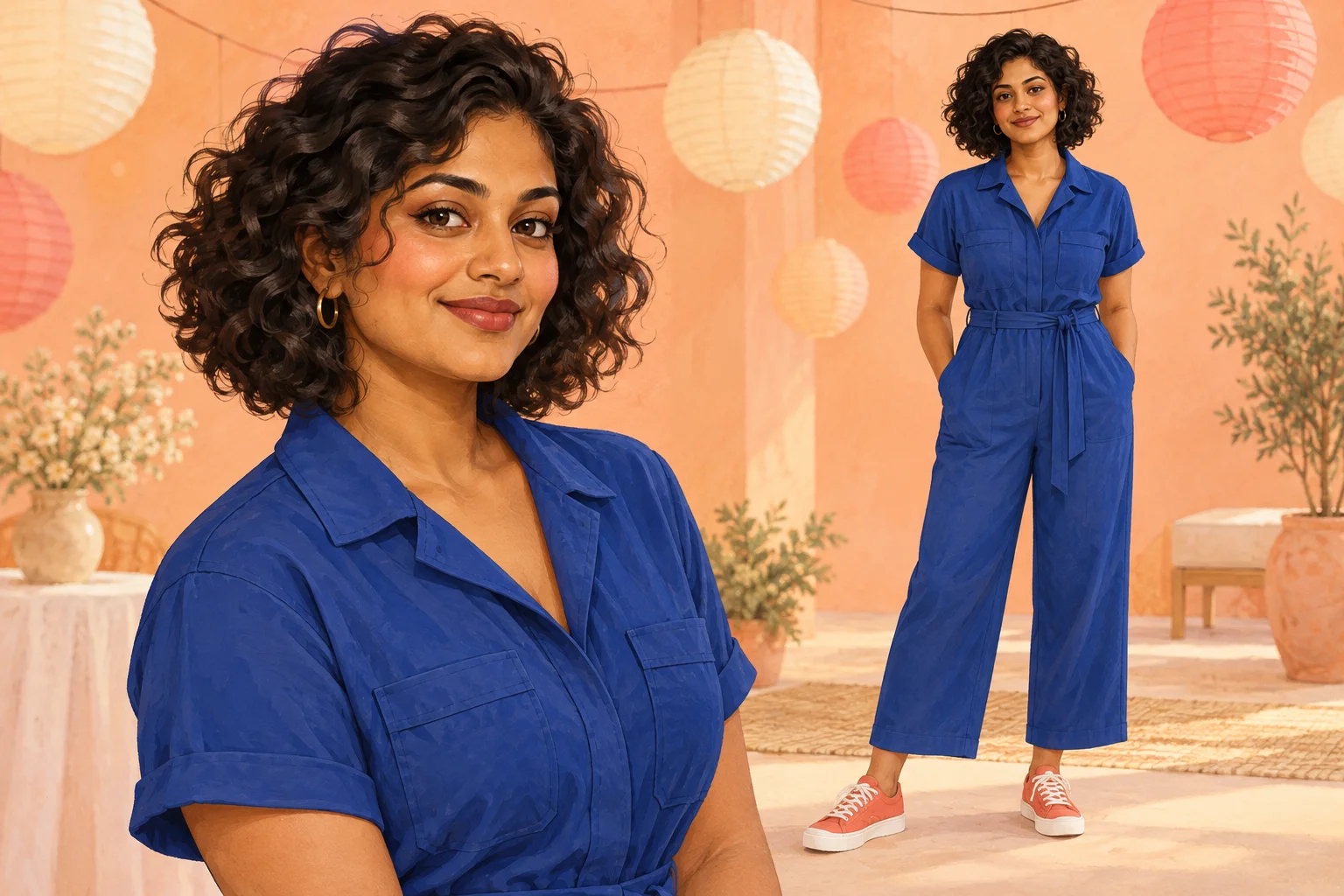
Select a single-person photo with even light and recognizable features. A face hidden by hair, a strong filter or a hand gives the model less useful detail. If clothing matters, include enough of the body to show the outfit rather than relying on a tiny face crop.
You do not need an existing party photograph or an image of someone eating. A neutral pose can communicate appearance more clearly. The form has one required character slot, so do not combine separate people into a collage or expect different images to control the room, bread and clothing independently.
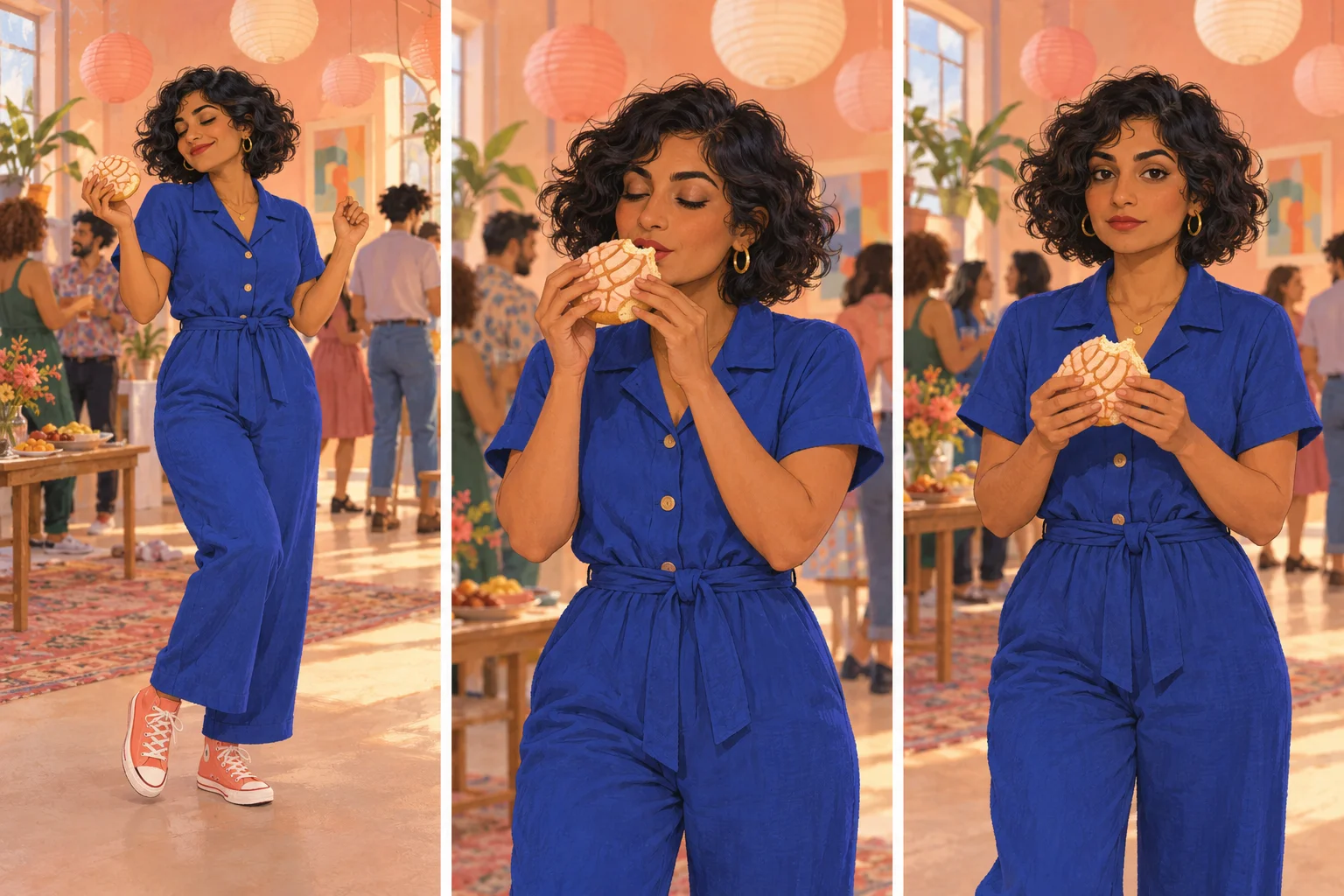
A focused note could read: “Peach studio walls, paper lanterns, cobalt jumpsuit and gentle shoulder movement.” Choose a small set of details that belong together. Several conflicting styles or locations can make the scene harder to evaluate because too many things change at once.
The page supplies the action plan in text. The displayed video helps you understand its rhythm, but it is not attached to the model as fixed motion. Leave room for variation in the dance and reaction. If a first take feels busy, reduce the room detail before adding more movement or camera instructions.
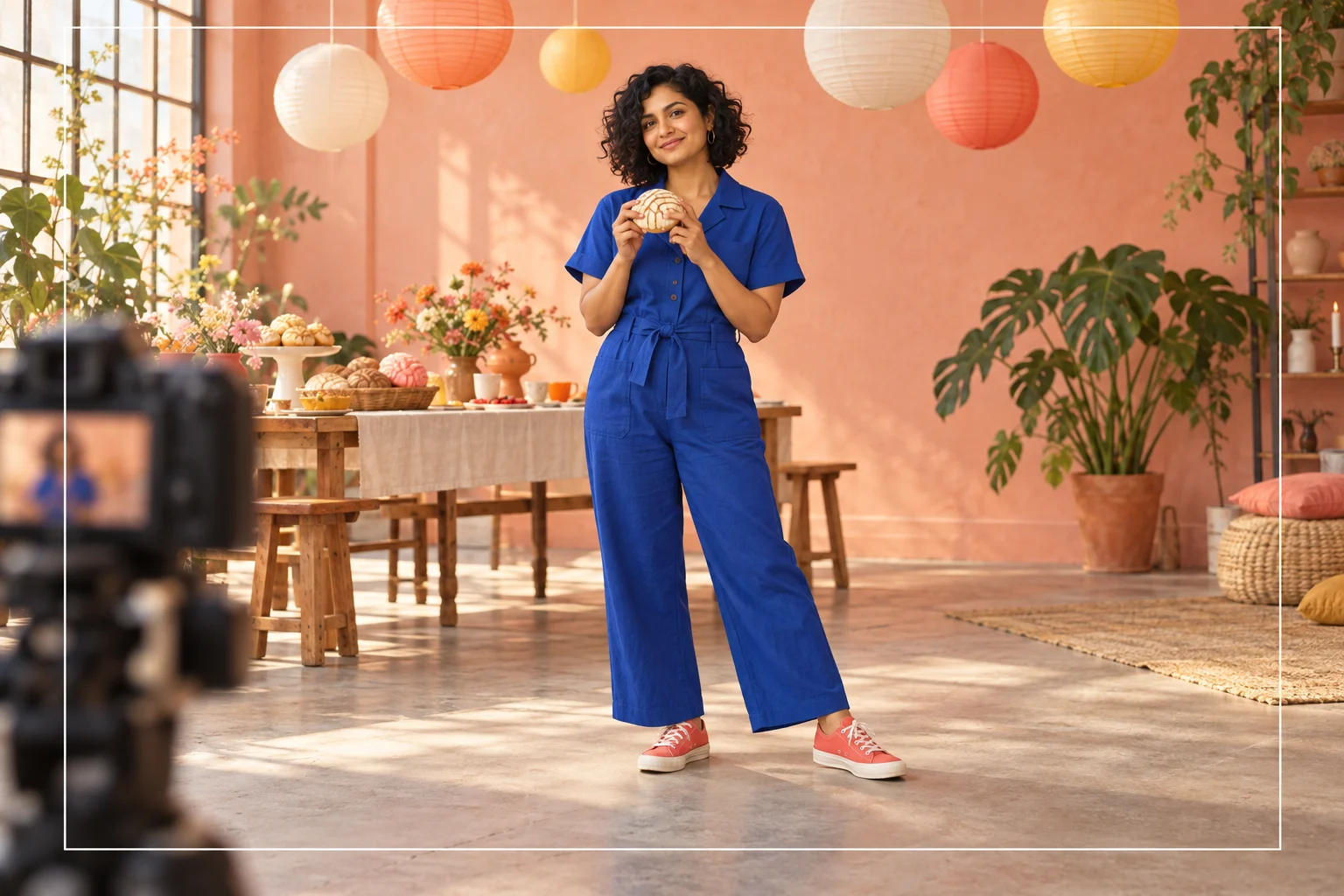
Review the face while the bread approaches the mouth and after the person pauses. Make sure the bun remains a single object and the fingers do not merge with it. Compare the jumpsuit shape, hair and shoes across the whole clip rather than judging only the opening frame.
Then watch at normal speed to see whether the mood change reads. A technically attractive frame can still belong to a confusing sequence. Keep a take with clear continuity, and add your own captions or permitted soundtrack later if the project needs them. This form does not arrange a finished social post for you.
Use a simple color contrast to make the person stand out in a short scene.
Let the still look interrupt the cheerful movement without adding written dialogue.
Change one color relationship at a time while keeping the lead and action plan consistent.
It requests a short party scene from one person image and written direction. The planned beats are a dance, sweet-bread bite, camera pause and turn away; generated details may vary.
No. The only required media input is a person photo. The demonstration is shown for explanation and is not sent as a fixed video reference.
No. The name does not require a child character. This guide uses an adult person in a colorful party setting.
The present model catalog requires purchase access and enough credits. Review the live quote for your selected settings. No free allowance or unlimited use is promised.
The configured clip length is 15 seconds. Processing time is separate and depends on the model and queue; History provides the current task state.
A demonstration soundtrack is not an input to this form. There is no specific-song selector or automatic beat matching. Handle soundtrack choice in your own editing step.
aijev.me · Updated