What does an AI age checker tell me?
It gives a visual impression based on the face shown in your portrait. Treat any age wording as an approximate appearance estimate, not a verified birthday or identity check.

Entertainment age impression guide
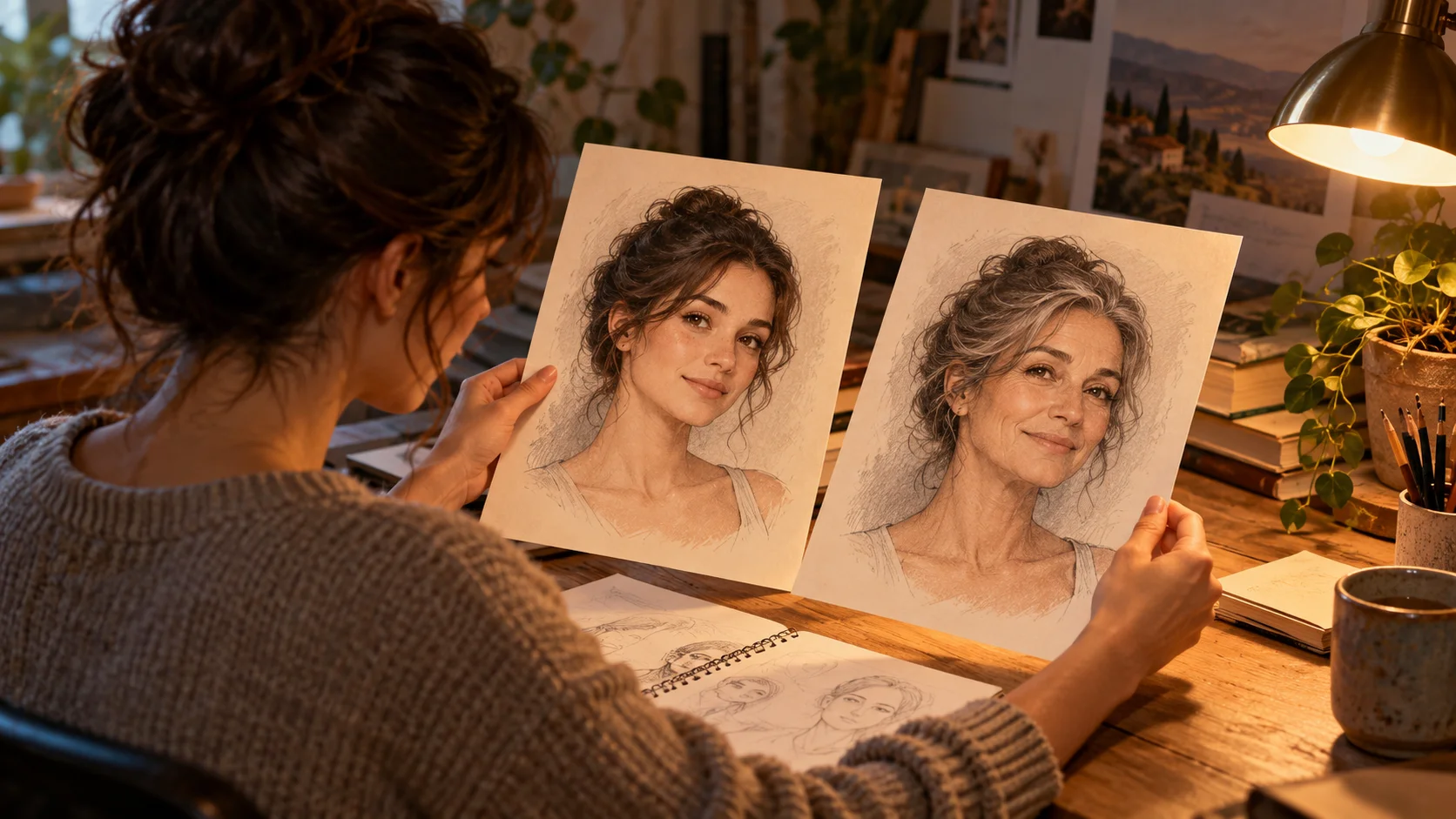
It gives a visual impression based on the face shown in your portrait. Treat any age wording as an approximate appearance estimate, not a verified birthday or identity check.
Choose Image to Image and upload one adult’s clear, front-facing portrait. Keep the eyes and full face visible and use even light with minimal filtering.
You can prepare a portrait, read the guide and explore settings first. Generation uses the displayed quote; available trial or promotional credits can cover a run when your balance is sufficient.
Check the live Required Credits value for your selected model, output settings and image quantity. The wait depends on the model and queue; track your task in History.
AI Age Checker on AIJev is a creative portrait guide for exploring how old an adult face appears in a particular photo. Use one clear portrait to request a broad appearance-age impression and review the resulting image or card. Lighting, expression and photo quality affect that impression; it is not proof of a person’s chronological or biological age.
Open the generator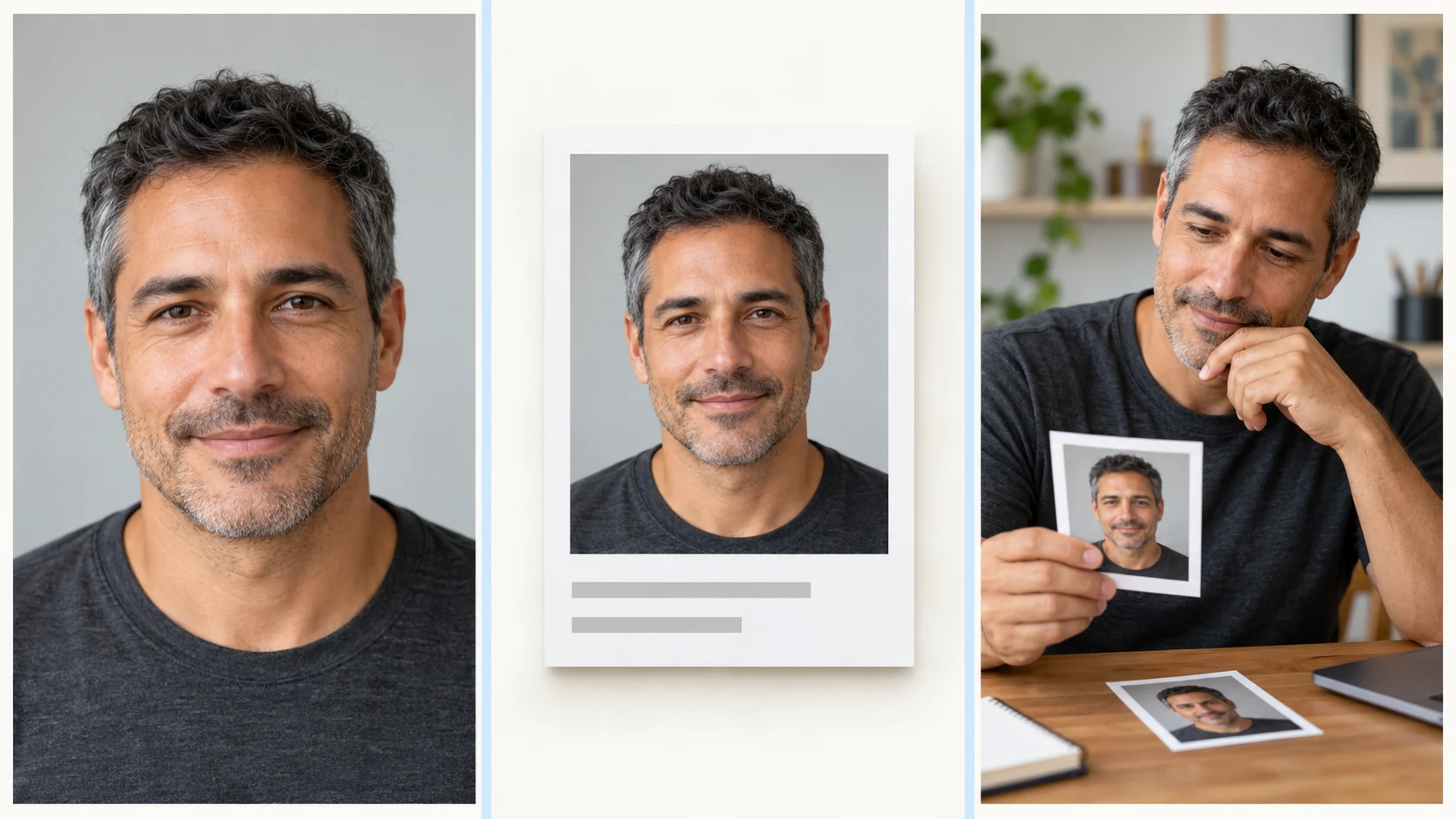
Start with a current, sharp image of one person. A simple head-and-shoulders crop makes the face easier to inspect than a distant or crowded scene.
In Image to Image, ask for an appearance-age impression or a broad approximate adult range. Keep the face recognizable and avoid asking for an exact birth age or a medical judgment.
Choose from the models and output settings available to your account. Read Required Credits before submitting; changing the prompt or preparing a photo does not start a run.
Follow progress in History. Open the completed image or card and compare the face, lighting and any age wording with the source. Use it as a creative impression rather than a factual record.
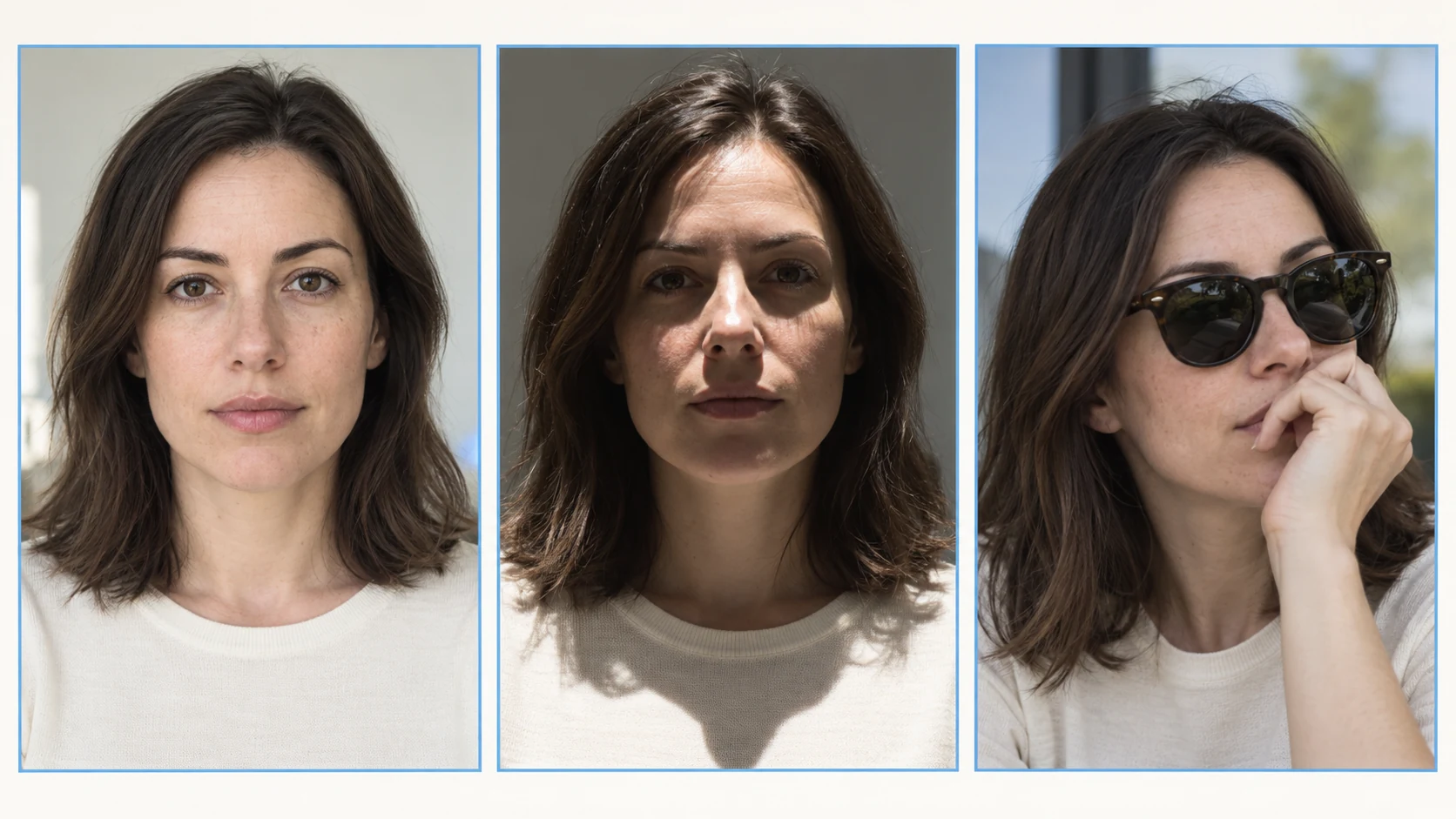
Use one person per reference photo. Keep the whole face inside the frame, remove strong beauty filters and choose an image with enough detail to see the eyes, cheeks and jaw. If you compare two photos, keep the crop, expression and lighting as similar as possible.
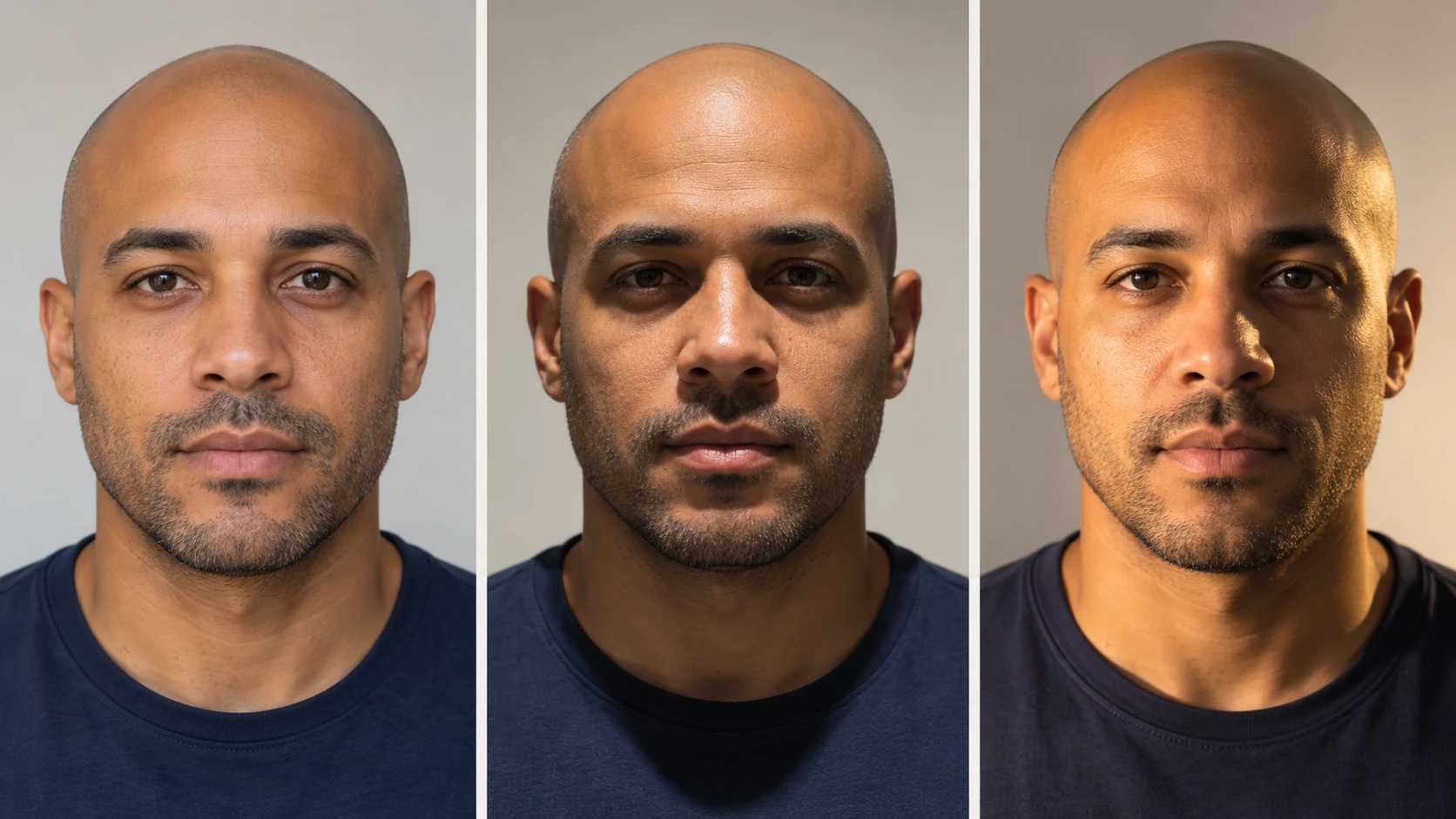
Even light reveals the face differently from overhead or side light. Compare the source conditions before treating a change in impression as a change in the person.
A smile, makeup, facial hair or hairstyle can change how a portrait reads. Keep these choices consistent when you want a useful photo comparison.
A generated card is an interpretation of the photo. It cannot establish a date of birth, verify an identity or determine biological or medical age.

Compare how a calm expression, clear crop and natural light communicate the impression you want from an adult profile portrait.
Use an appearance-impression card as a conversation starter for a fictional character or portrait mood. Keep the creative context clear.
Look at two portraits with different light or styling, then decide whether a more consistent source photo would make your next creative edit easier.
This page uses the existing image generator. The selected enabled model, output settings and image quantity determine the quote shown in Required Credits. Available account credits apply to that quote; trial access depends on your current balance and model availability.
Processing time varies with the model, output size and queue. Submit when the input and quote are ready, then follow the task in History. Review the completed image and its age wording before downloading or using it in a creative project.
The result is an appearance-age impression image or card created from your portrait and prompt. Any age wording describes how the face appears in that photo; it does not verify the person’s true age.
Use one clear portrait of an adult, with the full face and eyes visible. Choose even light, natural detail and a simple crop. Avoid a group photo, sunglasses or heavy filtering.
It is approximate and sensitive to the photo. Light, expression, styling and image quality can change the impression. A clear portrait does not turn an appearance estimate into a verified fact.
Preparing your input and exploring the controls does not start a generation. A run uses the displayed credits; your available trial, promotional or purchased balance determines whether you need additional credits.
Check Required Credits after selecting the available model and output settings. That live quote, including your selected image quantity, applies to the next run.
The wait depends on the selected model, output settings and queue. Use History to follow the task until the completed image is available to inspect and download.
No. This is a creative visual estimate, not an identity, eligibility or medical age-verification service. It cannot establish a date of birth or biological age.
Text to Image can create a fictional adult portrait or card from your description. It cannot evaluate an existing person’s photo without a reference. Choose Image to Image to work from your portrait; the text mode does not submit cached reference media.
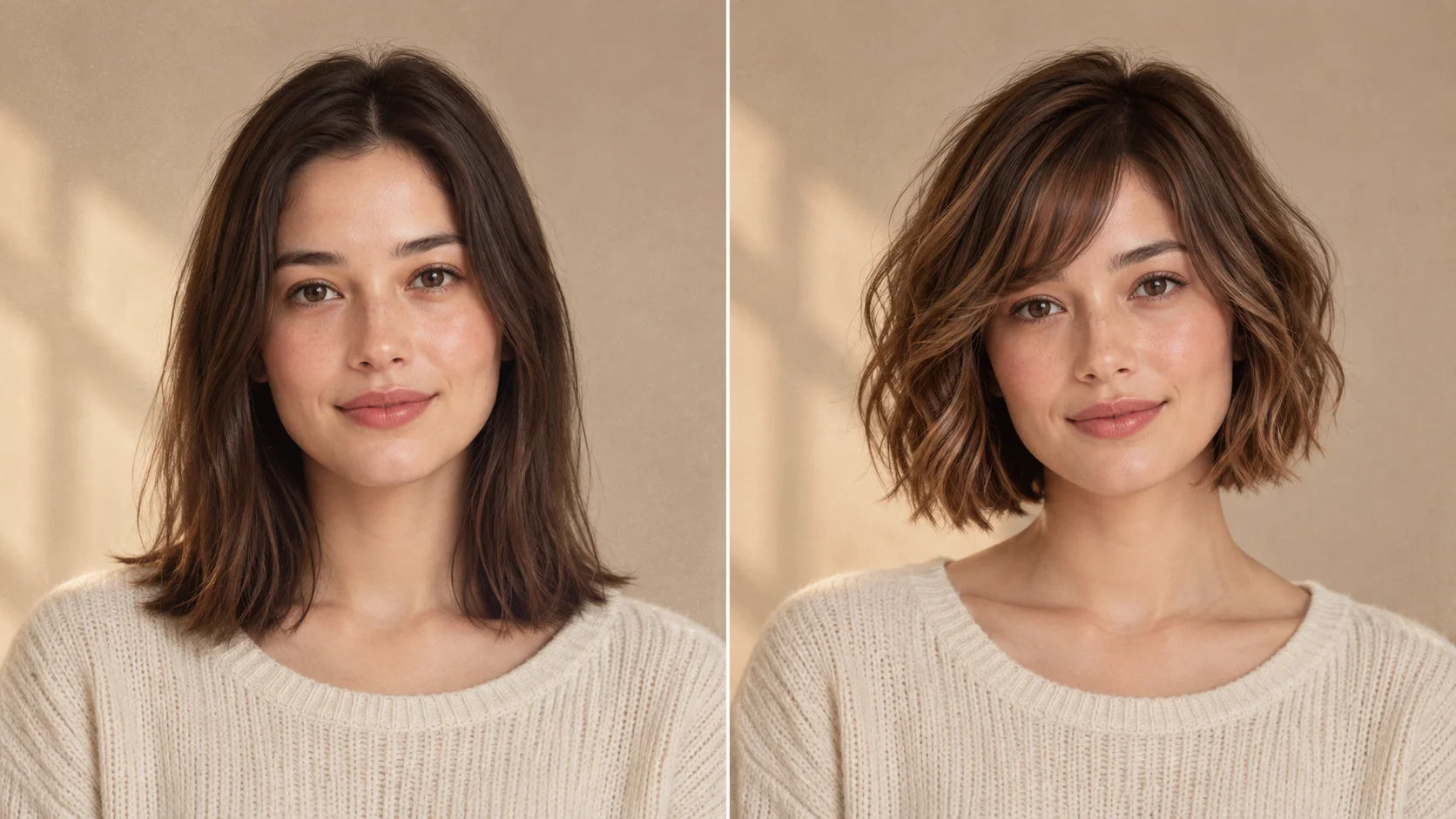
Plan a hair variation separately when hairstyle is the change you want to examine.
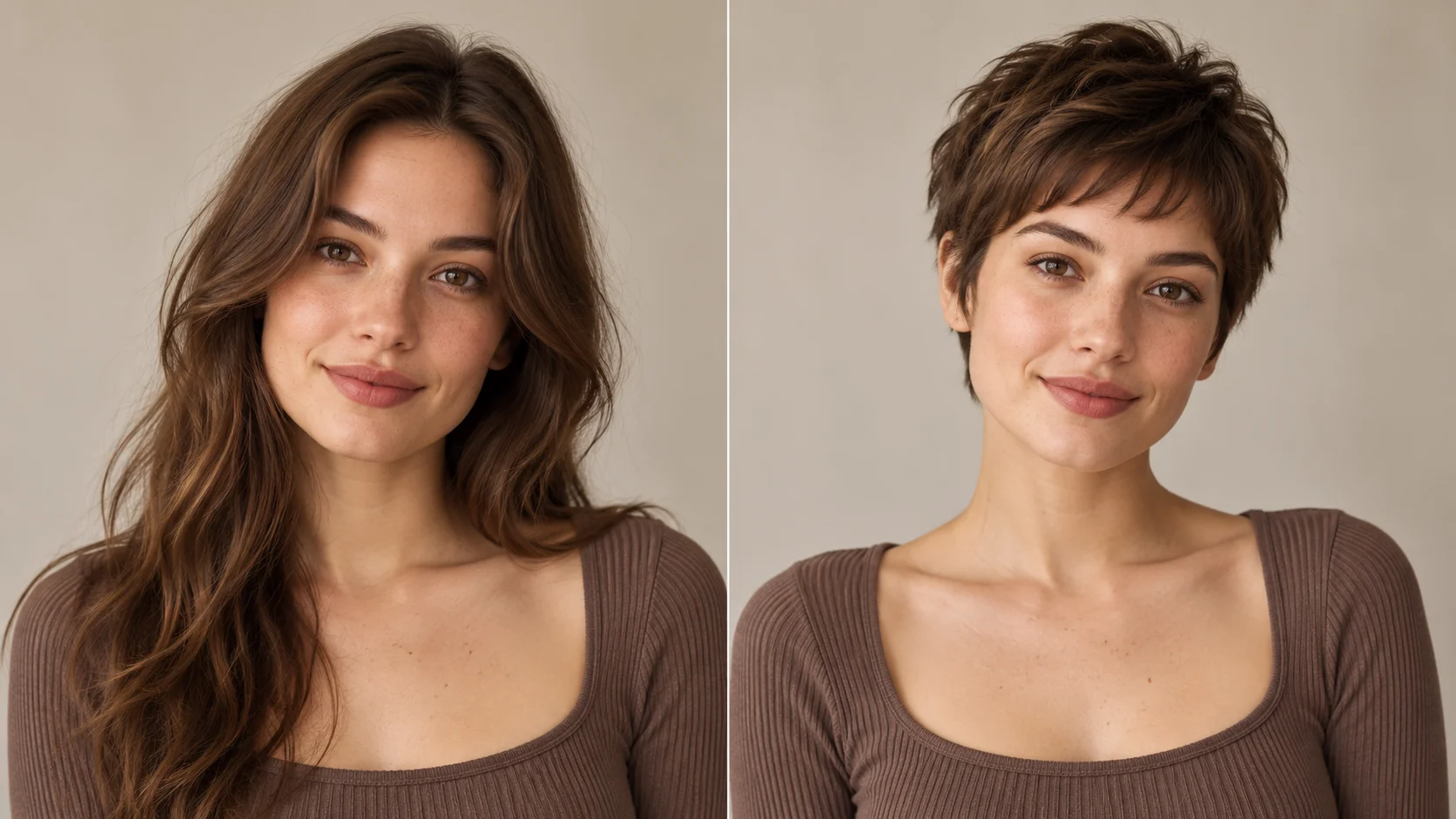
Prepare a clear face reference before exploring a shorter hairstyle.
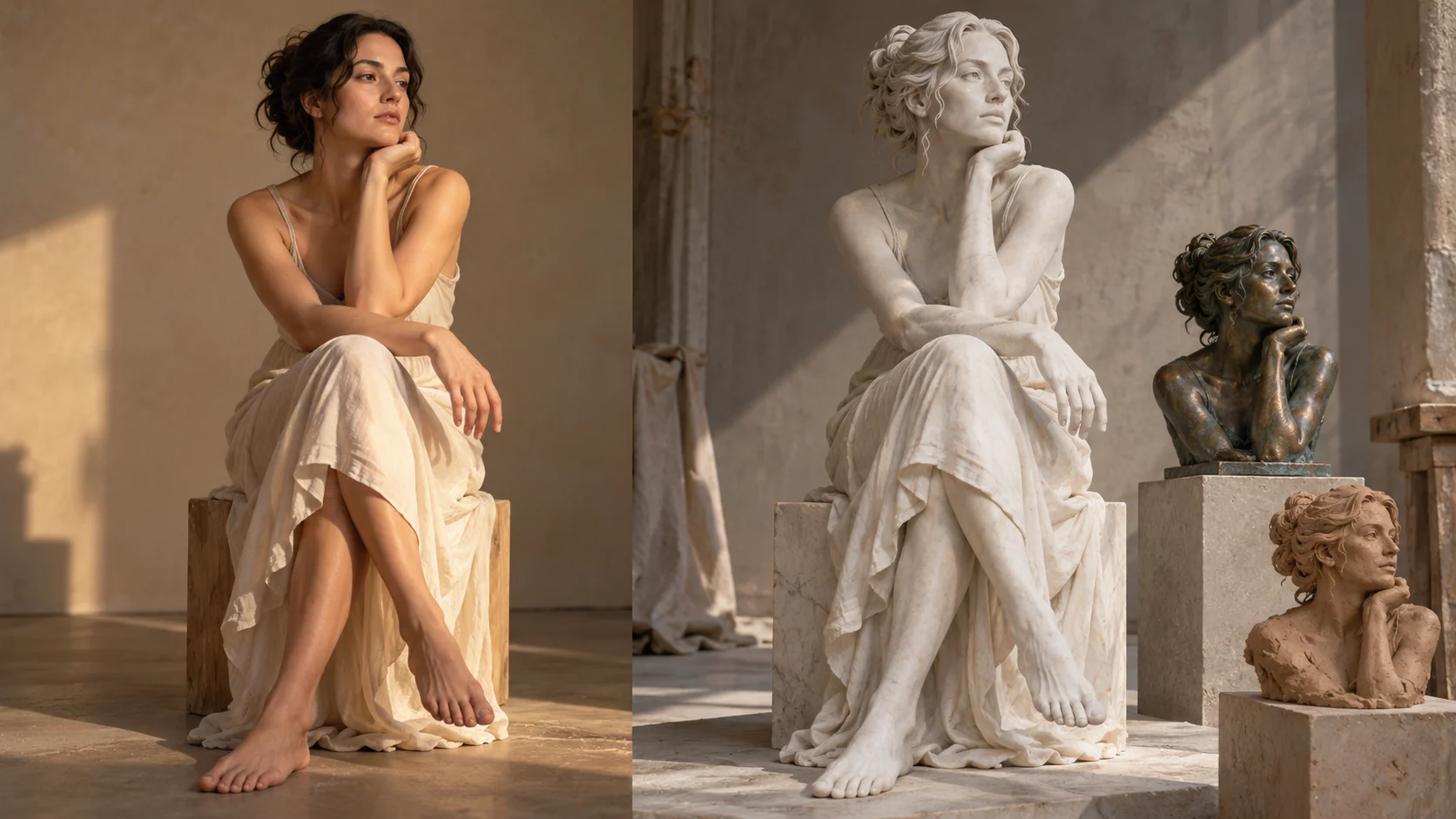
Move from a photo review to a creative material study.
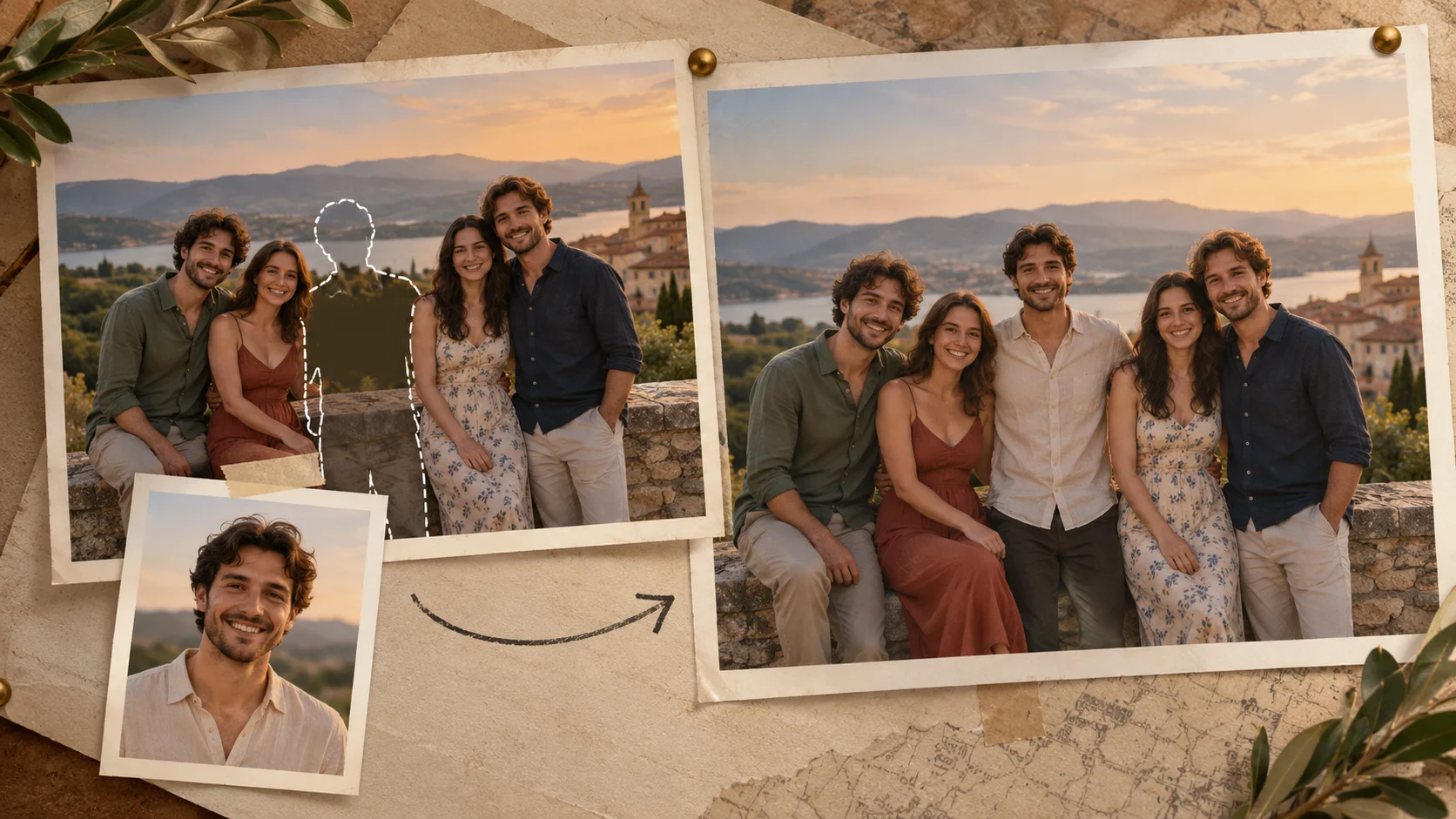
Use the two-image guide when your goal is adding one person to an existing photo.
aijev.me · Updated